


Dende
AI Quiz Generator to create exam questions from PDFs and study notes.
Sign in to rate this tool.
Overview
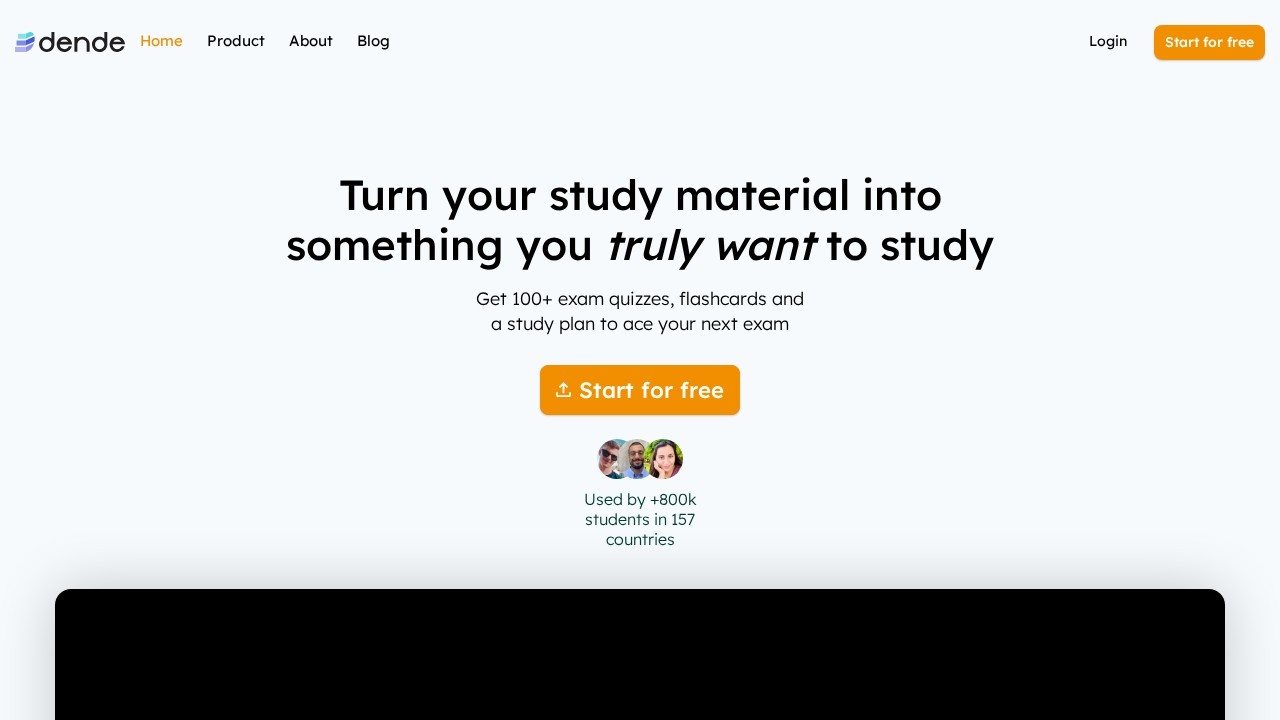
Dende turns study PDFs and lecture notes into structured exam practice. The web page offers a free start that lets you upload your material, after which the AI produces quizzes, flashcards, and a personalized study schedule. It claims to generate more than 100 question sets per upload and supplies 104,710,077 questions overall for students worldwide.
You begin by dragging a PDF or uploading a document of your notes. The AI parses the file, extracts facts, and crafts multiple‑choice questions, short answer prompts, or flashcards that mirror the exam format you describe. Each quiz can be customized in length, difficulty, or subject focus, though the listing does not specify limits on question types. After the quiz, the system builds a calendar‑based study plan that marks when you should review each set of flashcards or practice questions. If you miss a session, the calendar adjusts automatically, so the plan remains current. The tool works in several languages, allowing you to upload notes in English or other languages and still receive questions in the same tongue.
Dende is aimed mainly at K‑12, college, and university students who need a concise, exam‑style review. The emphasis on “exact questions you'll see on your exam” suggests it is best for courses with repeatable question patterns. If your studies involve creative or open‑ended assessments, the tool may not fully cater to that need, which the listing does not elaborate on. Also, there is no mention of integrations with LMS systems or support for collaborative study groups beyond the brand ambassador program.
The interface shows a “Menu → Start for free” button, indicating an initial free tier. After that, it offers “Semestre filtro” and tools to “dispense, quiz e simulazioni” for course success. Users can generate quizzes, flashcards, and an infinite number of simulations, but the actual limitations beyond the free start are not disclosed. The platform hints at a large user base (“+800k students in 157 countries”) and a system that updates routines when you skip days.
Key features
Key features
- Upload PDFs or study notes to produce exam‑style quizzes
- Create flashcards from the same source material
- Automatic calendar‑based study plan that adapts to missed days
- Supports multiple languages for both input and output
- Unlimited quiz and flashcard creation after the free tier is activated
Details
- Pricing
- Free
- Release date
- 2026-04-18
- Last checked
- 49m ago
- Indexing
- noindex, follow
Suggest an edit
Sign in to suggest an edit.
Pros and cons
Pros
- Generates a large number of practice questions per upload
- Multi‑language support for both input and output
- Combines quizzes, flashcards, and study scheduling in one workflow
- Free initial access to start generating content
Cons
- No published pricing or subscription details are provided
- Scope of supported question formats and difficulty levels is unclear
- Limited information on integrations with other educational platforms
Alternatives
 Study SimStudy Sim is a ai education assistant that focuses on one thing: making the work easier. It skips unnecessary clutter and gets straight to useful output. You will find a...
 LovestudyPower users get deeper controls, while casual users can ignore them. The result is a tool that scales from quick one-off tasks to larger recurring workloads. There is a deliberate...
 Quizbot AIA few standout features include quick presets, template support, export in common formats, and the ability to keep recurring projects organized in one place. You are not locked into a...
 Solvely AIBefore you decide, skip the speculation and look at the source. solvely.ai shows exactly what Solvely AI does today and how to get started with it. The tool is free,...
 Mindmap AI AppThe listing indicates the tool operates on a free...
 Ecango ComEcango is an AI-powered tool for fast and accurate audio and video transcription and translation.
 ChatPDFChatPDF lets you upload a PDF, Word, PowerPoint or text file and ask questions, with answers that cite the page they came from.
 PlainscribePlainScribe transcribes, translates, and summarizes audio and video files with pay-as-you-go pricing.
 PdfgearThe whole experience is built around finishing things. From the first run onward, you are guided toward complete, usable results rather than half-finished experiments. Teams running regular ai coding campaigns...
 RecallifyFor anyone who lives in the ai coding space, Recallify is a refreshing find. The setup is light, the results are solid, and nothing is hidden behind menus. Power users...
 Quills AIFor a straightforward look at an option like this, Quills AI is a sensible place to start. Visit quills.ai to see live examples and up-to-date details. The tool is free,...
 CarepatronWhat stands out most is predictability. The same input produces dependable output, which matters when you are producing work for clients or publishing on a schedule. Rather than chasing every...