


DALL-E 3
DALL·E in ChatGPT review (October 2026): DALL·E is retired; what ChatGPT Images now offers, plan access, pricing, pros, cons and alternatives.
Sign in to rate this tool.
Overview
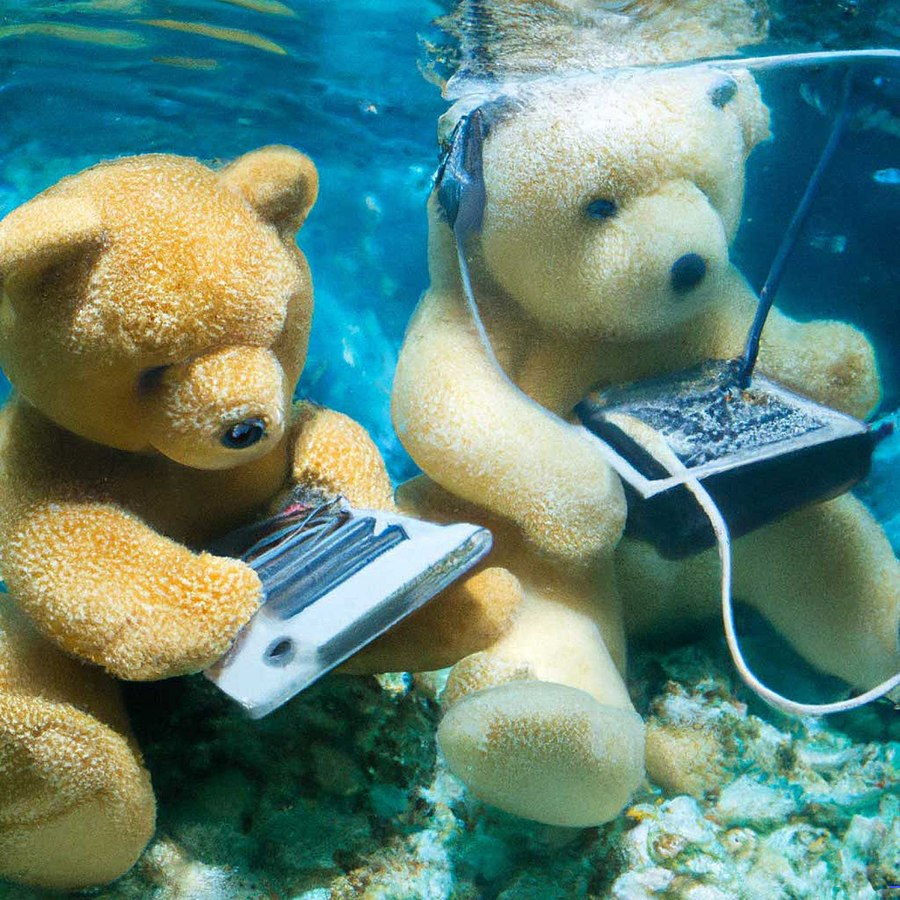
What it is
DALL·E was OpenAI's image-generation model family, and for several years it was how ChatGPT users created images. That has changed. According to OpenAI's help centre, image creation in ChatGPT now uses ChatGPT Images, OpenAI's newer image model built into ChatGPT, and the official DALL·E GPT was retired on 30 August 2026. OpenAI's answer to "Can I still generate images with DALL·E on ChatGPT?" is now simply "No".
This review therefore covers what people searching for "DALL·E in ChatGPT" will actually get today: image generation and editing through ChatGPT Images.
Key features
Based on OpenAI's help centre and release notes (October 2026):
- Create images in conversation: ask ChatGPT for an image in a normal chat, or choose Images from the menu, then refine it with follow-up instructions.
- Edit your own images: upload a photo or graphic and describe the change you want.
- Text in images: OpenAI says ChatGPT Images can follow instructions to add text and details within an image.
- Transparent backgrounds: useful for logos, stickers and product cut-outs.
- Images with thinking: on Plus, Pro and Business, the model can plan and refine an image before generating it, which helps with complex compositions.
- Works in custom GPTs and Codex: GPTs with image generation enabled use the new model, and images can also be generated in Codex.
- Cross-platform: available on web, iOS and Android.
Developers who need images at scale can use OpenAI's Image generation API, which is billed separately at API rates.
Tips for better results
- State the purpose and format first, for example "a square Instagram post" or "a 16:9 blog header", then describe the subject and style.
- Put any text you want in quotation marks and check spelling carefully in the result, especially for non-English text.
- Make one change at a time in follow-up messages so you can see what each instruction does.
- Only upload photos of people with their permission, and follow OpenAI's usage policies.
Pricing (verified October 2026)
ChatGPT Images has no separate price; it comes with your ChatGPT plan. OpenAI states it is available on all tiers:
- Free: $0, with limited image creation.
- Go: $8/month (US), with more image generation than Free.
- Plus: $20/month, including images with thinking.
- Pro: $100, $200 or $500/month; OpenAI's Pro plan page describes "unlimited and faster image creation", subject to abuse guardrails.
OpenAI does not publish exact image counts per plan, and generation can take a few minutes for complex requests. For API pricing, check the official site for current pricing.
Who it's for
- ChatGPT users who want images without learning a separate tool.
- Marketers and small businesses making social graphics, blog headers and quick mock-ups.
- Presenters and teachers creating illustrations for slides and handouts.
- Anyone who prefers describing changes in plain language over using design software.
Pros
- Included in every ChatGPT plan, so many users already have access.
- Conversational editing makes iterative changes easy.
- Handles text in images and transparent backgrounds.
- Same interface for writing, research and images.
- Available on web and mobile.
Cons
- The DALL·E name and its official GPT are gone, which can confuse users following older tutorials.
- No published image quotas; free-tier limits can be reached quickly.
- Less fine-grained control than dedicated tools with layers, masks and style parameters.
- Content policies restrict some requests, such as realistic images of real people.
- Complex generations can be slow.
Alternatives on AIMAPER
- Midjourney: for highly stylised, artistic images.
- Adobe Firefly: integrated with Photoshop and Illustrator.
- Ideogram: design-focused generation with editable text layers.
- Canva Magic Studio: AI images inside a template-driven design tool.
- Google Gemini: image generation and editing in the Gemini app.
Compare them in our best AI image generators category, or see AI chatbots for assistants that include image tools.
Bottom line
If you are looking for DALL·E in ChatGPT, its successor is already built in: ChatGPT Images. It is the most convenient option for people who already use ChatGPT and want quick, editable images by conversation. Professionals who need precise control, brand consistency or design-software integration will likely want a dedicated tool alongside it.
Details
- Pricing
- Paid · from $0.04/image
- Billing
- usage
- Release date
- 2026-04-20
- Last checked
- 19h ago
- Indexing
- index, follow
- Category
- Image
Suggest an edit
Sign in to suggest an edit.
Pros and cons
Pros
- Included in every ChatGPT plan, so many users already have access.
- Conversational editing makes iterative changes easy.
- Handles text in images and transparent backgrounds.
- Same interface for writing, research and images.
- Available on web and mobile.
Cons
- The DALL·E name and its official GPT are gone, which can confuse users following older tutorials.
- No published image quotas; free-tier limits can be reached quickly.
- Less fine-grained control than dedicated tools with layers, masks and style parameters.
- Content policies restrict some requests, such as realistic images of real people.
- Complex generations can be slow.
Alternatives
 MidjourneyMidjourney review (October 2026): AI image and video generator features, verified Basic to Mega pricing, licensing, pros, cons and alternatives.
 KreaKrea gathers its own Krea 3 model and third-party image, video and 3D models in one suite, with realtime generation, LoRA training and pro plugins.
 NightCafeNightCafe is a community-focused AI art generator with 50+ PRO image models, video tools, daily challenges and four PRO credit plans.
 getimg.aigetimg.ai is a credit-based creative studio with leading image, video, music and speech models, editing tools, AI Actions and team workspaces.
 SeaArtSeaArt combines many image and video models, one-click effect templates, AI characters and a large remix community, with Basic and SVIP access tiers.
 PicsartPicsart is an AI creative platform with 180+ image, video and audio models, trend templates, editing agents and Flow workflows, on Pro and Ultra credit plans.
 CraiyonCraiyon makes AI images from plain-language prompts with no account needed, and adds paid editing credits, private images and no watermarks.
 Cleanup.picturesCleanup.pictures removes unwanted objects, people, text and defects from photos in the browser, free at 720px or full resolution with Pro.
 FotorFotor is an online photo editor and design tool with dozens of one-click AI tools for enhancing, removing, styling, generating images and video.
 Stable DiffusionStable Diffusion is Stability AI's family of open image models, free to self-host for individuals and businesses under $1M revenue, with an API and enterprise licences.
 Leonardo.AiLeonardo.Ai generates images and short videos with its own models plus third-party ones such as Flux, Veo and Kling, paid for with monthly tokens.
 PixlrPixlr is a free browser photo editor with AI generation, generative fill, upscaling and video and audio tools, plus cheap Plus, Premium and Ultra plans.
Pricing
- Pricing model: Paid
- Starting price: $0.04/image
- Billing: usage