


Humata
Humata answers questions across your team's documents with highlighted citations, permission controls and per-page pricing.
Sign in to rate this tool.
Overview
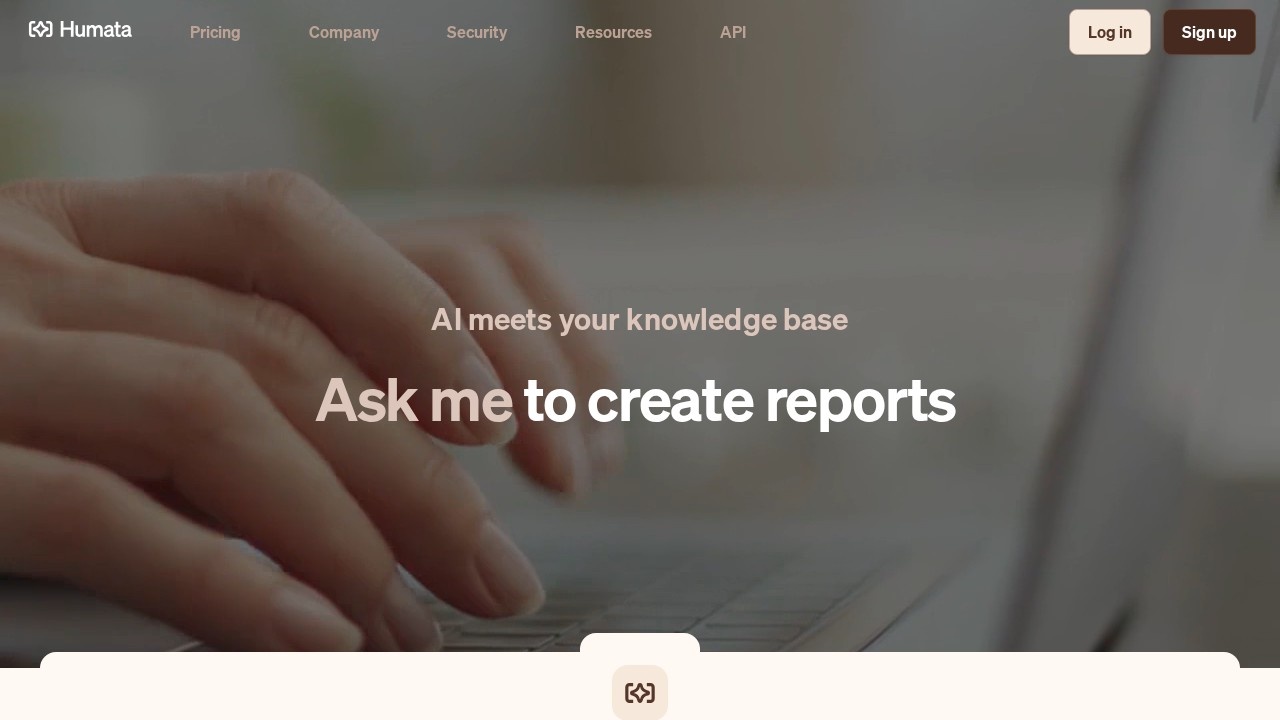
Humata is a question-and-answer tool for your own documents. Upload PDFs, ask what they say, and get answers with highlighted citations that link back to the exact spot in the source file. The company frames it as "AI meets your knowledge base": a way for a team to get answers out of more material than anyone has time to read. Humata says it raised $3.5M in a round led by Google's Gradient Ventures.
Typical uses from Humata's own site are skimming long technical papers, summarising findings, comparing documents and searching across files. If the first summary is too long, you just ask for a shorter one, as many times as you like. There's also an embed option that puts Humata's document chat on your own web page, so customers can query your docs directly.
Built with teams in mind
Much of the product is about access control. Files live in shared team spaces, and role-based permissions decide who can ask questions of which documents. Humata says files are encrypted at rest as soon as they're uploaded. The higher plans add folder-level and department-level permissions, OCR for scanned files, response personalisation, a SOC 2 certificate and an uptime SLA.
Pricing (checked October 2026)
Humata bills monthly, and every plan includes a monthly allowance of "free pages," meaning pages of uploaded PDFs. Beyond that you pay per page:
- Free: up to 60 pages, basic features.
- Student and Expert plans with bigger allowances (the middle tier lists 500 pages a month for teams of up to three), and extra pages at $0.02 each.
- Team: for up to 10 users, with 5,000 pages a month included and extra pages at $0.01 each.
- Enterprise: custom pricing and limits.
The pricing page's plan cards didn't show every dollar figure clearly in our check, so confirm current rates on humata.ai/pricing. No credit card is needed for the free plan, and you can switch or cancel plans at any time.
Strengths and limits
Strengths: clear citations that make answers easy to verify; permission controls that suit legal, research or consulting teams; an embeddable widget for customer-facing docs.
Limits: 60 free pages is only a few papers; per-page billing means very large archives get expensive; and the most useful security features (OCR, SLA, granular permissions) sit on the top tiers.
Alternatives
ChatPDF is simpler and works without an account. For research papers, Consensus searches published studies, and Claude handles long uploads well in a general-purpose chat.
Details
- Pricing
- Freemium
- Release date
- 2025-11-04
- Last checked
- 14h ago
- Indexing
- index, follow
- Category
- Research
Suggest an edit
Sign in to suggest an edit.
Alternatives
 AI Powered Web Exploration WebqueryThere is a deliberate calm to how AI Powered Web Exploration Webquery works. Loading screens are short, buttons do what they say, and your work is saved where you expect...
 ConsensusConsensus searches peer-reviewed papers and writes cited answers, with a Consensus Meter that shows how the evidence splits on yes/no questions.
 ResearchpalThe tool is free, which keeps the barrier to entry low. You can try it before deciding whether it earns a permanent place in your workflow. If ai research tasks...
 PublicviewBefore you decide, skip the speculation and look at the source. publicview.ai shows exactly what Publicview does today and how to get started with it. It also plays nicely with...
 ScisummaryFor a straightforward look at an option like this, Scisummary is a sensible place to start. Visit scisummary.com to see live examples and up-to-date details. You will find a free...
 Foundersagree AI Contract ReviewFoundersagree AI Contract Review is a ai research assistant that focuses on one thing: making the work easier. It skips unnecessary clutter and gets straight to useful output. Before you...
 Copyowl AIFor anyone who lives in the ai research space, Copyowl AI is a refreshing find. The setup is light, the results are solid, and nothing is hidden behind menus. The...
 Vengo AIThe tool is free, which keeps the barrier to entry low. You can try it before deciding whether it earns a permanent place in your workflow. It works well as...
 Perplexity AIPerplexity review (October 2026): the AI answer engine's features, verified Pro, Max and Enterprise pricing, pros, cons and alternatives on AIMAPER.
 ChatPDFChatPDF lets you upload a PDF, Word, PowerPoint or text file and ask questions, with answers that cite the page they came from.
 Golinks Search Powered By ChatgptIf ai recruiting tasks are part of your routine, Golinks Search Powered By Chatgpt is worth testing against your own use cases. Their website, golinks.io, has the full details. The...
 Quills AIFor a straightforward look at an option like this, Quills AI is a sensible place to start. Visit quills.ai to see live examples and up-to-date details. The tool is free,...
Pros and cons
Pros
- Answers come with citations that link back to the exact spot in your file.
- Free plan covers 60 pages a month, enough to try it on real documents.
- Expert plan is $9.99 a month and covers up to three people.
- You can embed a Humata chat on your own website.
Cons
- The free tier runs out quickly if you work with long reports.
- OCR for scanned files is only on the Team plan at $49 per user.
- Extra pages beyond your allowance are billed per page.
Checked 2026-10-19. · www.humata.ai/ · www.humata.ai/pricing