


Kling 3.0 AI Video Generator
Kling 3.0 turns text prompts and source images into short videos with controllable motion, camera direction and cinematic visual styles. Browser-based workflow for social clips, ads and product demos; free…
Sign in to rate this tool.
Overview
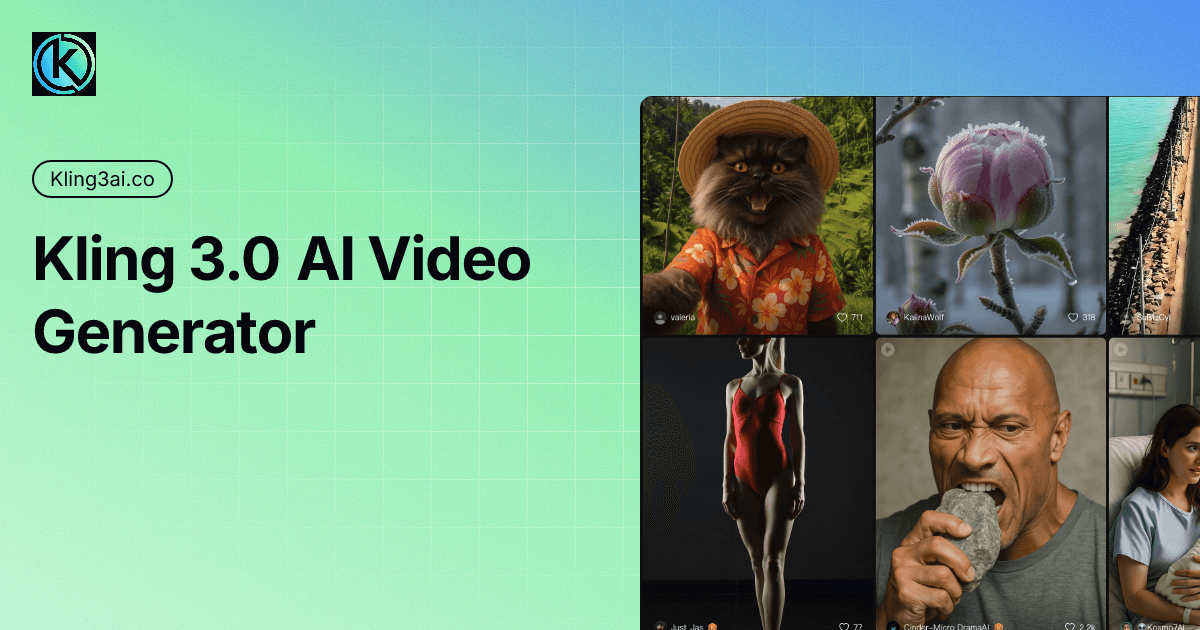
Kling3 AI (kling3ai.co) is a web app for generating videos with the Kling family of models, the video generators developed by Kuaishou. The site offers Kling 3.0 and Kling 2.6 Pro for text-to-video and image-to-video, plus a Kling Motion Control tool, all through a simple prompt box and a credit system. It is worth knowing up front that this is an independent site built around Kuaishou's models rather than Kuaishou's own Kling app, so its plans, support and terms are separate from the official service.
What Kling 3.0 brings
The site describes Kling 3.0 as a unified multimodal model that handles text, images and native audio in one workflow. The features it highlights are:
- AI Director: turns a single prompt into a multi-shot scene, with shot-reverse-shot, cross-cutting and voice-overs handled automatically.
- Lip sync: multi-character lip synchronisation in English, Chinese, Japanese, Korean and Spanish.
- Multi-reference consistency: "Elements" lock a character, object or setting so it stays the same across shots and camera moves.
- Text rendering: legible on-screen text and preserved signage, useful for product ads and captions.
How it works
For text-to-video, you write a prompt of up to 2,000 characters, choose the model, duration and aspect ratio, and generate; the site quotes 30 to 90 seconds per generation. For audio-driven clips, you upload an image and an audio file, trim the segment you need, pick 480p, 720p or 1080p and describe the performance; the model syncs lips, expressions and motion to the audio. Results appear under My Creation for download. The site also links to Seedance models.
Pricing
From the pricing page, checked October 2026, all plans include no-watermark downloads and a commercial use licence:
- Basic: $9.9 for 99 credits, 720p export.
- Major: $29.9 for 330 credits, 1080p, priority queue.
- Profession: $49.9 for 600 credits, up to 5 concurrent jobs.
- Highest: $99.9 for 1,250 credits, up to 10 concurrent jobs and early access to new features.
Videos cost 2–10 credits depending on length and resolution, and images cost 1 credit. Both one-time packs (credits never expire) and monthly subscriptions (credits refresh and do not roll over) are offered. The site also advertises free access with no credit card, with longer wait times.
Who it suits
Creators and small marketing teams who want to try Kling 3.0 through a lightweight interface and pay-as-you-go credits, without committing to a larger platform.
Pros: simple access to Kling 3.0 and 2.6 Pro; one-time credits that do not expire; commercial licence on every plan.
Cons: a third-party site, not Kuaishou's official Kling app; only 720p on the cheapest pack; free generations come with longer queues.
Details
- Pricing
- Freemium · from $9.9/mo
- Billing
- monthly
- Last checked
- 19h ago
- Indexing
- index, follow
- Category
- Video
Suggest an edit
Sign in to suggest an edit.
Pros and cons
Pros
- simple access to Kling 3.0 and 2.6 Pro
- one-time credits that do not expire
- commercial licence on every plan
Cons
- a third-party site, not Kuaishou's official Kling app
- only 720p on the cheapest pack
- free generations come with longer queues
Checked 2026-10-22.
Alternatives
 Veed IoOnline video editor with AI tools for creating professional videos quickly and easily.
 Veevid AIA description of this product, its...
 Stable VideoAI video model transforming images/text into videos.
 PikaPika is an idea-to-video platform that turns ideas into motion videos.
 AI Video CutAI tool to repurpose long videos into short, engaging clips for social media.
 Quickpov AIAI platform to create viral POV videos from text prompts.
 Luma AILuma AI is a creative workspace with AI agents and its own Ray3.2 video and Uni-1 image models, plus third-party models, on Plus, Pro and Ultra plans.
 Wavel AIAI-powered platform for video editing, text-to-speech, voice cloning, and localization.
 Krikey ComBuilt for ai video generation work, Krikey Com combines capable AI with straightforward design. It is the kind of tool you can start using immediately. The flexibility shows when the...
 Podfyai The Platform For Creators And AgenciesAI platform to automatically turn texts and audio into fully edited videos.
 Spikes StudioAI clip generator for viral short videos on YouTube, TikTok, and Reels.
 TryH3 — MiniMax H3 Video GeneratorIt is a practical choice for ai video generation work, and the honest way to evaluate it is to give it a spin. Start at tryh3.com for the latest information....
Pricing
- Pricing model: Freemium
- Starting price: from $9.9/mo
- Billing: monthly