


Otter AI
Otter.ai review (October 2026): AI meeting notetaker for Zoom, Teams and Meet, verified Basic, Pro and Business pricing, language support and privacy tips.
Sign in to rate this tool.
Overview
What it is
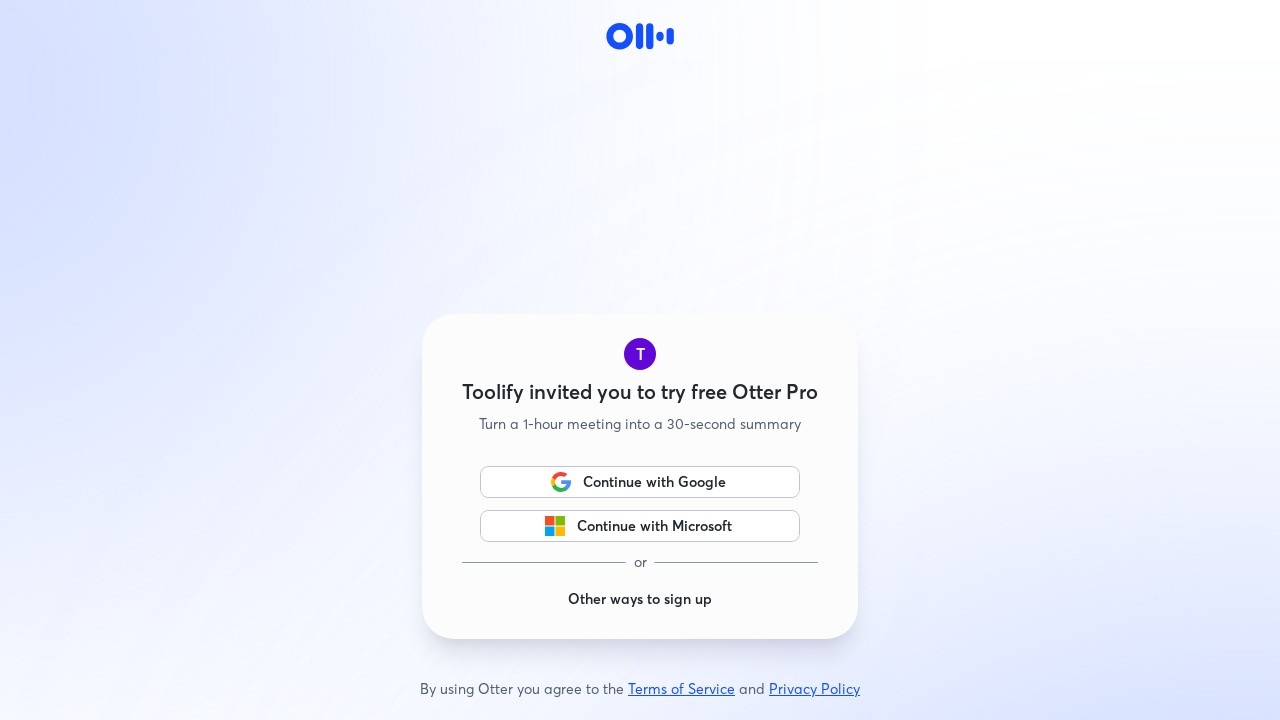
Otter.ai is an AI meeting assistant that records, transcribes and summarises conversations. Its notetaker (called Otter Notetaker, formerly OtterPilot) can join Zoom, Microsoft Teams and Google Meet calls automatically, write live notes, capture slides and share a summary afterwards. You can also record in person through the mobile and desktop apps, import audio files and ask Otter's AI Chat questions about one meeting or many.
Key features
According to Otter's official pricing page and help centre (October 2026):
- Live transcription with speaker identification and audio playback.
- Automatic meeting notes: the notetaker joins Zoom, Teams and Meet to write and share notes.
- AI Chat within and across meetings, for questions such as "What did we decide about the budget?"
- AI meeting workflows and templates to structure summaries; advanced templates on Pro and custom workflows on Business.
- Otter MCP server so other AI assistants can access your meeting knowledge.
- Integrations: Salesforce, HubSpot and Zapier from Pro.
- Apps for iOS, Android, Mac and Windows.
- Language support: transcription in English, Spanish, French, German, Japanese and Chinese. Arabic is not listed.
Pricing (verified October 2026)
- Basic: free. 300 transcription minutes per month, up to 30 minutes per conversation and 3 lifetime file imports.
- Pro: $16.99 per user/month billed monthly, or $8.33 per user/month billed annually. 1,200 minutes per month, up to 90 minutes per meeting, 10 file imports per month, unlimited storage, custom vocabulary and CRM/Zapier integrations.
- Business: $30 per user/month billed monthly (shown at $24 with a 20%-off-for-3-months offer at the time of writing), or $19.99 billed annually. Unlimited meetings and recordings, up to 4 hours per meeting, unlimited imports, 3 concurrent meetings, admin analytics and prioritised support.
- Enterprise: custom. Adds SSO, SCIM, domain capture, a HIPAA compliance add-on, the Otter API and webhooks, and the Otter Sales Notetaker.
Prices are in USD, and some region-specific promotions appeared on the page (for example, an offer valid only with an India-issued card). Otter's FAQ offers a 20% discount on Pro for individual students and teachers with an eligible school email. Monthly minute limits do not roll over.
Consent and privacy
Recording laws and workplace norms differ by country, and many require that participants know they are being recorded. Otter's help centre explains settings for controlling when the notetaker joins meetings and for sending recording notifications. Configure auto-join carefully so the notetaker doesn't enter confidential calls, and tell participants at the start of each meeting. Our AI tools guides include a privacy checklist that applies here.
Who it's for
- Professionals with back-to-back video meetings who want searchable notes.
- Sales teams logging calls to Salesforce or HubSpot.
- Students and researchers recording lectures and interviews in supported languages.
- Teams wanting a shared, searchable archive of meetings.
Pros
- Joins major meeting platforms automatically.
- Free plan for trying the core features.
- AI Chat across your meeting history.
- Low annual Pro price per user.
- CRM integrations and an MCP server for wider workflows.
Cons
- Only six transcription languages; Arabic speakers in Jordan and the wider region will need another tool for Arabic meetings.
- Free plan caps conversations at 30 minutes.
- Auto-joining notetakers can make participants uncomfortable if not disclosed.
- Monthly billing costs about twice the annual rate for Pro.
- Transcripts can mishear names, accents and technical terms, so check before sharing.
Alternatives on AIMAPER
- Notion AI: AI Meeting Notes without a bot joining calls (Business plan).
- Microsoft Copilot: meeting recaps inside Teams for Microsoft 365 users.
- Google Gemini: note-taking in Google Meet on eligible Workspace plans.
- Descript: transcription for recorded podcasts and videos in 25 languages.
Find more in our best AI tools directory.
Bottom line
Otter.ai is a mature, affordable meeting notetaker for teams that meet in English or its other supported languages. Start on Basic, confirm transcription quality with your accents and vocabulary, and set clear consent practices before switching on auto-join.
Details
- Pricing
- Free
- Release date
- 2025-11-18
- Last checked
- 15h ago
- Indexing
- index, follow
- Category
- Transcription
Suggest an edit
Sign in to suggest an edit.
Alternatives
 Felo SubtitlesReal-time translation plugin for multilingual communication and live subtitles.
 Transcript LolConverts audio/video to text, summaries, and insights quickly and accurately.
 Clipto ComAI-powered media management assistant with transcription, video editing, and asset management tools.
 ScriptmeAutomatic transcription and subtitle platform with AI-powered tools and multi-format support.
 Good TapeAutomatic transcription service for audio and video files, focusing on speed and accuracy.
 GowhisperPrivacy-focused desktop app for local audio transcription.
 ScribewaveScribewave is an accurate online speech-to-text tool with transcription, translation, and subtitling in 90+ languages.
 PlainscribePlainScribe transcribes, translates, and summarizes audio and video files with pay-as-you-go pricing.
 Yescribe AIAI-powered audio/video to text transcription service with high accuracy and multi-language support.
 Ecango ComEcango is an AI-powered tool for fast and accurate audio and video transcription and translation.
 BanvaBrowser-based AI subtitling, transcription, and translation platform supporting 90+ languages.
 Voqusa Instagram TranscriptTeams running regular ai agents campaigns turn to it for repeatable output, and solo creators use it to push through tasks that would otherwise stall their day. It is a...
Pros and cons
Pros
- Joins major meeting platforms automatically.
- Free plan for trying the core features.
- AI Chat across your meeting history.
- Low annual Pro price per user.
- CRM integrations and an MCP server for wider workflows.
Cons
- Only six transcription languages; Arabic speakers in Jordan and the wider region will need another tool for Arabic meetings.
- Free plan caps conversations at 30 minutes.
- Auto-joining notetakers can make participants uncomfortable if not disclosed.
- Monthly billing costs about twice the annual rate for Pro.
- Transcripts can mishear names, accents and technical terms, so check before sharing.