


Sign in to rate this tool.
Overview
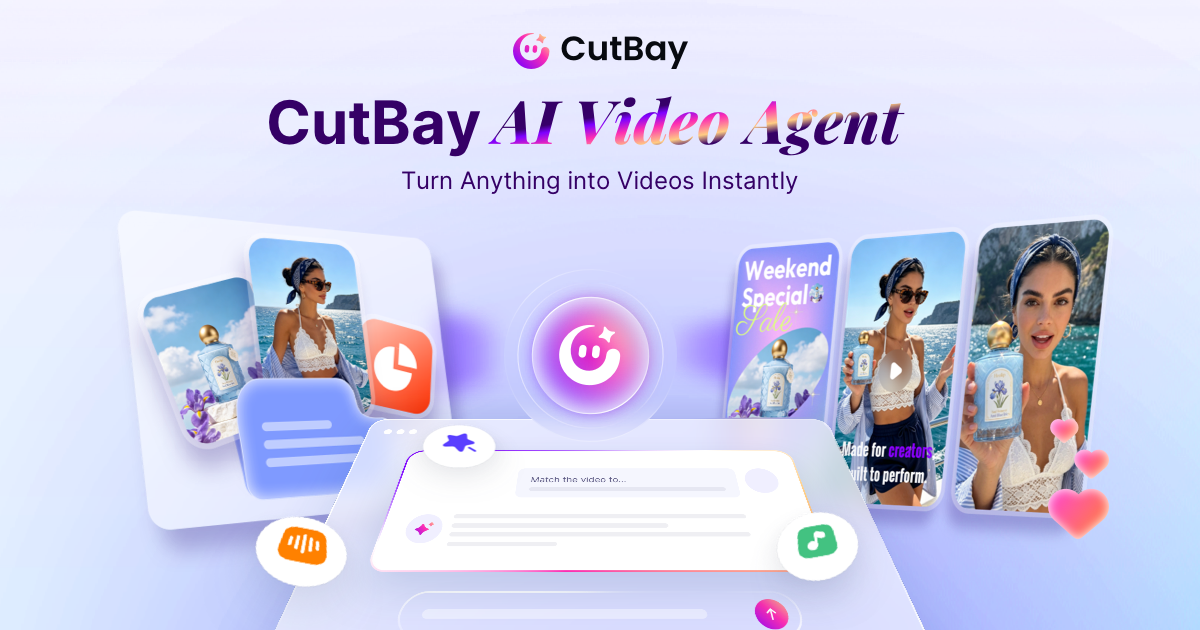
CutBay is an online AI video agent that transforms ideas, documents, links and media into ready‑to‑share videos using a simple chat interface. It presents itself as a no‑skill editing solution: you describe a concept, supply any files or URLs, and the AI handles composition and post‑production. The service points to marketing, science popularisation, brand storytelling and data visualisation as its primary use cases.
The workflow begins by typing a prompt, such as “Create a 30‑second ad for a new eco‑friendly water bottle.” The AI searches a stock resource library and can also generate AI images that fit the description. If you upload a PowerPoint deck, the agent parses each slide, animates charts and graphs, adds voice‑over narration and captions, and outputs a polished video. For PDFs, spreadsheets or online documents, the agent extracts key points and embeds them in a visual narrative. When a URL is supplied, say an Amazon product page or a blog post, CutBay pulls text, images and meta‑information, then crafts a promotional video that highlights the product features. You can also supply your own clips, images and brand assets; the system re‑orders, resizes or overlays them as needed.
After the initial build, the chat interface lets you edit by natural language: commands like “add a B‑roll clip of the product in use” or “delete the first 10 seconds of silence” instantly update the timeline and regenerate the output. The tool claims to remove filler words, silences and retakes from talking‑head footage while adding captions, B‑roll and motion graphics. For educators, the AI can turn a lesson outline into an engaging video with visual aids and narration. Marketers can produce campaign videos, social media snippets or ad copy; e‑commerce teams can create product showcases and reviews; business users can generate pitch decks or onboarding clips.
CutBay offers output in share‑ready formats, but the listing does not disclose specific video codecs, resolution limits, maximum file size, or how long a single file can be. Pricing and subscription tiers are not mentioned; users are invited to start for free, but no details on what the free tier includes are given.
Key features
- Chat‑based video creation without traditional editing tools
- Automatic content extraction from PPT, PDFs, spreadsheets, blogs, news pages, Amazon URLs
Details
- Pricing
- Free
- Last checked
- 6h ago
- Indexing
- noindex, follow
- Category
- Video
Suggest an edit
Sign in to suggest an edit.
Pros and cons
Pros
- Simple, no‑skill required workflow that covers many input sources
- Automatic animation of charts and graphs from PowerPoint slides
- Immediate video updates via chat commands
Cons
- No published pricing or subscription details
- No explicit limits on video length, resolution, or file size reported
- Lack of information on supported file formats and upload size limits
Alternatives
 PictoryAI-powered video creation and editing tool for marketing and content creation.
 BoolvideoBoolvideo is a ai video generation assistant that focuses on one thing: making the work easier. It skips unnecessary clutter and gets straight to useful output. There is a deliberate...
 AI Video CutAI tool to repurpose long videos into short, engaging clips for social media.
 Deepreel ComIt fits naturally into daily work. Whether you are handling a single quick task or a batch that would eat an afternoon, the tool keeps the pace steady. The tool...
 HeyGenHeyGen turns a script into a video with an AI presenter, including avatars built from your own footage and dubbed translations in 175+ languages.
 PikaPika is an idea-to-video platform that turns ideas into motion videos.
 FlickifyaiAI platform to generate viral videos effortlessly and quickly.
 Stable VideoAI video model transforming images/text into videos.
 VislaAI video creation and editing tool for businesses and teams.
 Quickpov AIAI platform to create viral POV videos from text prompts.
 Veevid AIA description of this product, its...
 ViralbotAI-powered tool for creating viral videos with subtitles for social media.