


Viralbot
AI-powered tool for creating viral videos with subtitles for social media.
Sign in to rate this tool.
Overview
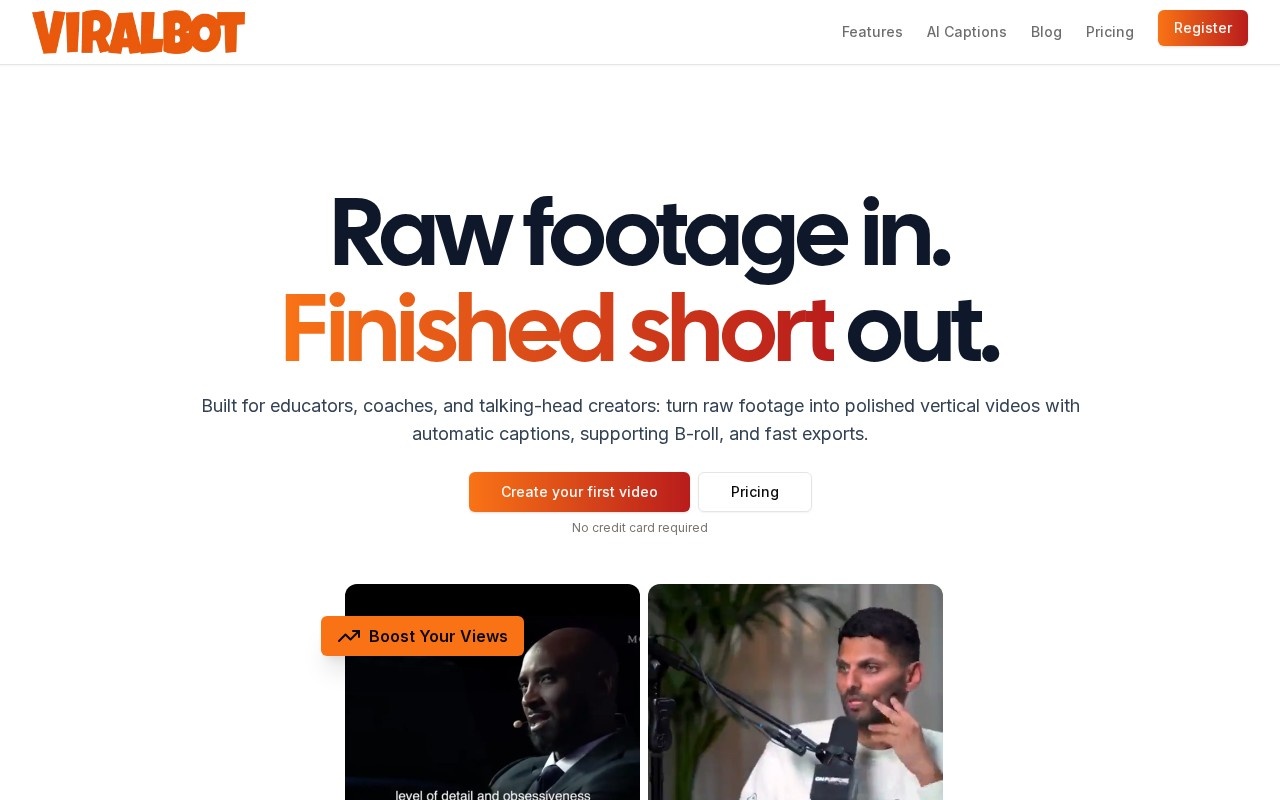
Viralbot is an automatic short-form video editor. It is built for educators, coaches and talking-head creators who record themselves speaking and need to turn that footage into polished vertical videos for YouTube Shorts, Instagram Reels and TikTok. Its pitch is simple: raw footage in, finished short out.
How it works
The workflow has four steps. First you upload a video that you own or have permission to use. Second, Viralbot generates the edit, which includes captions, supporting B-roll footage and a vertical layout, all in one pass. Third, you review the result. You can check the captions, swap the supporting footage, change the pacing and adjust the styling. Fourth, you render the final video, download the file and publish it on the platform of your choice.
Features
Captions are designed to be readable on a phone and can be styled. B-roll is added automatically to break up talking-head shots, and you can regenerate it if a clip does not fit. Creator presets let you reuse a visual style across videos so your content looks consistent. The tool is meant to cut out repetitive timeline work, not to take away your control: you make the final decisions before rendering.
The site also gives practical tips, such as starting with high-quality footage, choosing content that grabs attention, trying several B-roll pairings and keeping videos short.
Pricing
You can create your first video with no credit card. A pricing page lists paid plans for regular use; check it for current limits.
Who it is for
It suits coaches, teachers, consultants and creators who already record themselves and want a faster way to publish clips.
Things to consider
Automatic captions often misspell names, brands and technical terms, so check them before exporting, as the site itself recommends. Auto-selected B-roll may not always match your message, and stock footage can look generic. Review licensing for any supporting footage before using videos in paid ads. The tool improves presentation, but it cannot fix weak content; a clear message and good audio still matter most. Upload only footage you have rights to.
If you publish daily, a reusable preset and quick review step can save a lot of editing time.
Details
- Pricing
- Freemium
- Release date
- 2025-10-25
- Last checked
- 4d ago
- Indexing
- index, follow
- Category
- Video
Suggest an edit
Sign in to suggest an edit.
Alternatives
 FastcutAI-powered video editor for creating engaging short-form content quickly and easily.
 Veed IoOnline video editor with AI tools for creating professional videos quickly and easily.
 ReccloudThe whole experience is built around finishing things. From the first run onward, you are guided toward complete, usable results rather than half-finished experiments. Freelancers use it to keep client...
 AI Video CutAI tool to repurpose long videos into short, engaging clips for social media.
 Wavel AIAI-powered platform for video editing, text-to-speech, voice cloning, and localization.
 VizardVizard is a ai video generation assistant that focuses on one thing: making the work easier. It skips unnecessary clutter and gets straight to useful output. The tool is free,...
 Quickpov AIAI platform to create viral POV videos from text prompts.
 Podfyai The Platform For Creators And AgenciesAI platform to automatically turn texts and audio into fully edited videos.
 MalloyMalloy is a platform to hire top video editors.
 Opus Clip AIAI-powered video repurposing tool for creating viral short clips from long videos.
 VexubAI video generator for text, audio, and more.
 WisecutAI-powered video editing software that automatically creates engaging clips from long videos.