


Sign in to rate this tool.
Overview
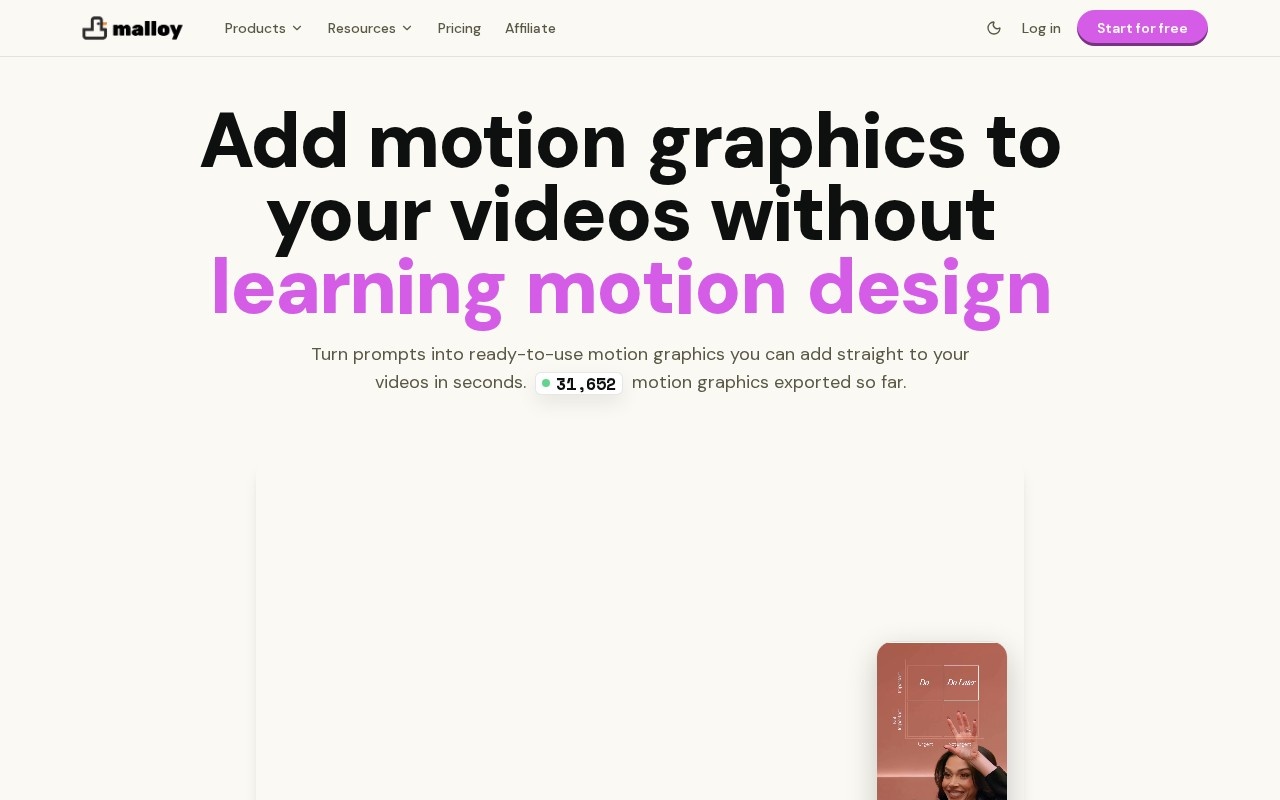
Malloy Studio is an AI motion graphics generator for video creators and editors. You describe the graphic you need in a prompt, and Malloy produces an animated element you can drop into a video: an animated chart, a quote card, a lower third, a list reveal or a social-post mock-up. The aim is to give people motion design results without having to learn After Effects.
How it works
Every generated graphic becomes an editable template. After generating, you can adjust text, colours and timing, then export the result for use in your preferred editing software. The site shows examples such as an iMessage-style conversation, an X post quote, a pie chart, a list reveal, a lower third and a match cut. These are the kinds of overlays that make talking-head videos, explainers and short-form content easier to follow.
Alongside prompting, Malloy offers a library of more than 1,000 ready-made templates covering text reveals, data animations, logo intros and social posts. You can start from one and make it your own, which is often faster than describing a graphic from scratch.
Pricing
You can start for free with five template exports, which is enough to see whether the output fits your editing workflow. Paid plans add more exports. Check the website for current plans.
Who it is for
Malloy suits video editors handling lots of client work, YouTubers and short-form creators who want polished on-screen graphics, and marketing teams that make product and explainer videos without a dedicated motion designer. Testimonials on the site come from editors who used it to replace outsourced graphics work or to stop rebuilding text animations by hand. Experienced editors can use it to produce more in less time, and non-editors can use it to reach a more professional finish.
Things to consider
Malloy is focused on overlays and graphic elements rather than complete videos, so you still need a separate editor to assemble your project. Prompt-based design gives fast results, but very specific brand animation may still need manual tweaking or a motion designer, so try a few of your real use cases during the free exports. Check which export formats and resolutions your plan includes, and whether transparent backgrounds work with your editing software, before building a workflow around it. For repetitive graphics like stat callouts and captions, though, it can take much of the manual keyframing out of a typical editing week.
Details
- Pricing
- Freemium
- Release date
- 2025-11-06
- Last checked
- 4d ago
- Indexing
- index, follow
- Category
- Video
Suggest an edit
Sign in to suggest an edit.
Alternatives
 Krikey ComBuilt for ai video generation work, Krikey Com combines capable AI with straightforward design. It is the kind of tool you can start using immediately. The flexibility shows when the...
 Krikey AIThe tool is free, which keeps the barrier to entry low. You can try it before deciding whether it earns a permanent place in your workflow. There is a deliberate...
 PikaPika is an idea-to-video platform that turns ideas into motion videos.
 Stable VideoAI video model transforming images/text into videos.
 Veevid AIA description of this product, its...
 Spikes StudioAI clip generator for viral short videos on YouTube, TikTok, and Reels.
 TryH3 — MiniMax H3 Video GeneratorIt is a practical choice for ai video generation work, and the honest way to evaluate it is to give it a spin. Start at tryh3.com for the latest information....
 CascadeurThere is a deliberate calm to how Cascadeur works. Loading screens are short, buttons do what they say, and your work is saved where you expect it to be. Students...
 Runway MLRunway review (October 2026): AI video generation platform, Gen-4.5 and partner models, verified Free, Standard, Pro and Max pricing, pros and cons.
 Re Create VideoAI-powered app to recreate viral short-form videos.
 Veed IoOnline video editor with AI tools for creating professional videos quickly and easily.
 HeyGenHeyGen turns a script into a video with an AI presenter, including avatars built from your own footage and dubbed translations in 175+ languages.