


Sign in to rate this tool.
Overview
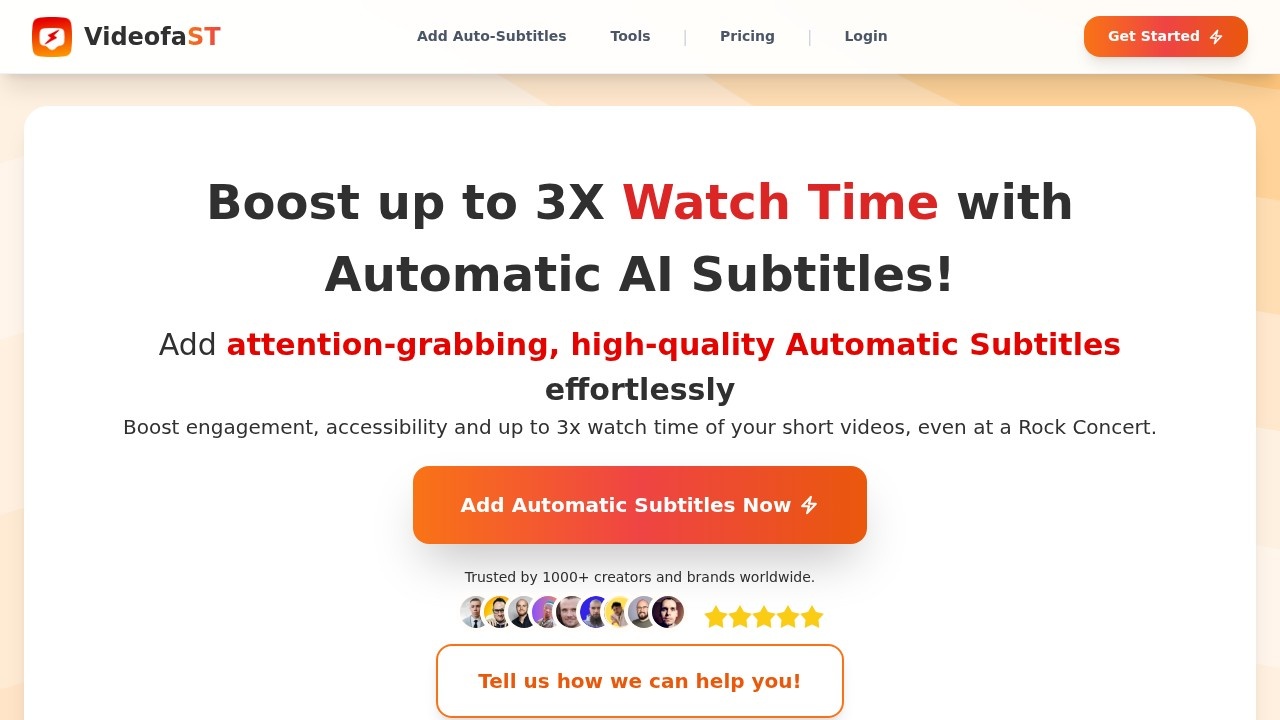
VideofaST is an AI subtitle generator that targets short‑form video creators. The service advertises rapid, automatic captions for any video format, vertical, square, field, and claims support for over ninety‑nine languages. A free tier permits up to three subtitle videos per month, requiring no credit card to start.
Upload a clip and the platform streams the original file, processes it through its AI engine, and returns a finished video with subtitles in less than a minute. The process is designed to be simple: you log in, drop the video, and wait for the result. The AI produces a subtitle track that is highlighted word by word, matching the audio exactly. You can then drill down into the transcript, edit individual words, delete or hide sections, or adjust the timing of each subtitle block. The editing interface displays a timeline and the text so you can see when each word is spoken. Custom fonts, colors, and visual effects can be applied through a set of prebuilt subtitle templates or by creating new reusable preset styles, which can be applied to multiple videos without repetition.
The platform also includes functionality for adding AI‑generated voice‑overs. By feeding the script into the voice‑over generator, the system creates an audio track that stays perfectly aligned with the captions. For videos that require extra visual emphasis, the editor lets you insert B‑roll footage, images, logos, or hook text. Animated emojis, zooms, flashes, blur, and motion effects can be toggled from a menu; the system attaches these to the narrative automatically. When publishing on social‑media channels that need a safe zone, TikTok, Instagram Reels, YouTube Shorts, a preview screen highlights the screen area where subtitles and overlays will be visible to keep important content from being cut off.
Users that post frequently to social media platforms will find the tool helpful for keeping viewers engaged, particularly because the site emphasizes that eighty percent of viewers watch videos without sound. The quick setup, under 45 seconds, makes it attractive for creators who need captions on hope of 3× watch time. The free tier's three‑video limit may suit hobbyists or those testing the service, while professional creators who publish dozens of videos a week might need a paid plan, though pricing is not listed on the site.
Details
- Pricing
- Free
- Release date
- 2025-10-28
- Last checked
- 5h ago
- Indexing
- noindex, follow
- Category
- Video
Suggest an edit
Sign in to suggest an edit.
Pros and cons
Pros
- Rapid subtitle generation (≤45 sec)
- Support for 99+ languages
- Detailed word‑by‑word editing and timing control
- User‑friendly interface with reusable styles
- Free tier allows trial without credit card
Cons
- Free tier limited to three videos per month
- No publicly disclosed pricing or subscription options
- No information on export formats or API access
- Limited details on codec compatibility or handling of noisy audio
Alternatives
 ViralbotAI-powered tool for creating viral videos with subtitles for social media.
 VexubAI video generator for text, audio, and more.
 Podfyai The Platform For Creators And AgenciesAI platform to automatically turn texts and audio into fully edited videos.
 Opus Clip AIAI-powered video repurposing tool for creating viral short clips from long videos.
 StorytokStoryTok generates viral "stories" format videos from text or Reddit links using AI.
 Ssemble Youtube Shorts MakerUnderneath it all, the processing is efficient enough for everyday use. Large inputs take a moment, but ordinary work flows through without interruption. It runs on a free model, so...
 FastcutAI-powered video editor for creating engaging short-form content quickly and easily.
 WisecutAI-powered video editing software that automatically creates engaging clips from long videos.
 Faceless SoAll-in-one AI tool for generating and auto-posting faceless videos to YouTube & TikTok.
 Facelessvideos AIAI tool to create faceless videos for YouTube and TikTok from a text prompt.
 VizardVizard is a ai video generation assistant that focuses on one thing: making the work easier. It skips unnecessary clutter and gets straight to useful output. The tool is free,...
 Quickpov AIAI platform to create viral POV videos from text prompts.