


Canvid For Windows
If ai video generation tasks are part of your routine, Canvid For Windows is worth testing against your own use cases. Their website, canvid.com, has the full details. A few...
Sign in to rate this tool.
Overview
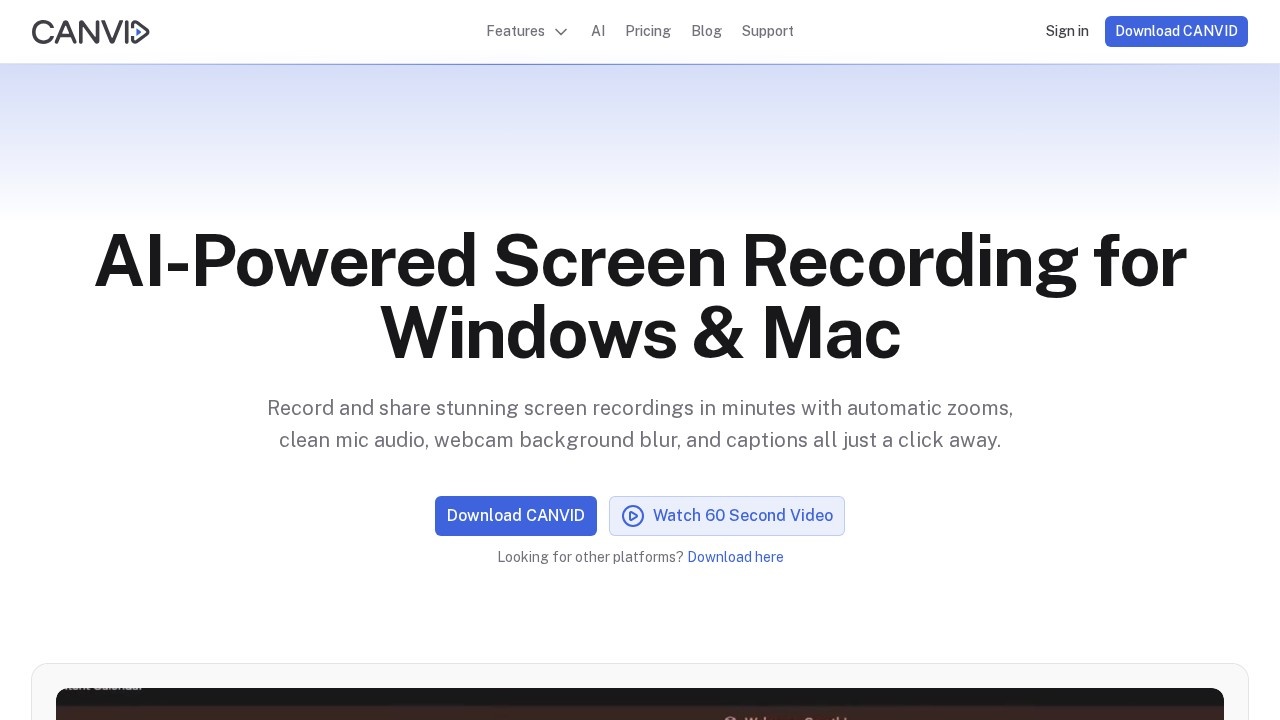
CANVID is screen recording software for Windows and Mac aimed at teams and creators who make product demos, tutorials, customer support walkthroughs and quick internal updates. It captures the screen, webcam, microphone and system audio, then helps polish the result in the same workflow, so that rough captures need little manual editing.
AI features
CANVID detects every click and automatically zooms the frame, so your clicks effectively become keyframes and most of the editing happens while you record. AI voice clarity removes hum, echo and background noise from the microphone track with one click. Webcam background tools blur, swap or remove your backdrop without a green screen. Instant captions generate subtitles that you can edit like plain text. These features run on either cloud or on-device AI.
Recording and editing
You can record at up to 4K on Windows and on Mac with Apple Silicon, using hardware or fallback software encoding. Microphone and system audio can be toggled independently before or after recording. After you stop, you can trim clips, adjust the automatic zooms and tweak captions in CANVID's own timeline. Keyboard shortcuts and cursor styles adapt to each platform.
Sharing
Quick Share renders the clip, uploads it to your CANVID cloud space and copies a view-only link to the clipboard for Slack, LinkedIn, X, YouTube or email. CANVID positions itself as a Loom alternative that records natively on both platforms.
Pricing
There is a $75 one-time Lifetime licence that includes lifetime updates and 1GB of cloud storage, or an $84 per year subscription with unlimited storage and access to cloud AI features. Larger teams can contact CANVID for volume pricing.
Use cases
The site highlights product update demos, tutorial channels, support replies sent as a link to close a ticket, and internal hand-offs where a developer can replay a bug instead of joining a call. CANVID says it is trusted by more than 5,000 makers.
Things to consider
CANVID currently needs an internet connection to sign in and run, because the interface and cloud services load from its servers; an offline mode is being tested but is not available yet. The Lifetime licence's 1GB of storage fills quickly if you share many videos, so consider exporting locally. Check recordings for sensitive information on screen, such as emails or keys, before sharing a link.
Details
- Pricing
- Paid
- Release date
- 2026-03-20
- Last checked
- 5d ago
- Indexing
- index, follow
- Category
- Video
Suggest an edit
Sign in to suggest an edit.
Alternatives
 Clipto ComAI-powered media management assistant with transcription, video editing, and asset management tools.
 Yuzzit VideoAI-powered video creation platform for editing, sharing, and storing videos.
 Dub AIThe flexibility shows when the same tool is used to sketch a quick idea in the morning and to polish final work in the afternoon. You are not locked into...
 ColourlabIf ai image generation tasks take up too much of your day, Colourlab is built to give you time back. It handles the heavy lifting while leaving you in control....
 PixwitPixwit is an all-in-one AI creative studio. Generate AI videos from text or images, create and edit AI images, and make AI music in one place, with top models like…
 MalloyMalloy is a platform to hire top video editors.
 StorytokStoryTok generates viral "stories" format videos from text or Reddit links using AI.
 Firework ComYou will find a free plan, making it easy to test the tool against your own needs first. The practical way to judge it is to use it. The feature...
 VislaAI video creation and editing tool for businesses and teams.
 FastcutAI-powered video editor for creating engaging short-form content quickly and easily.
 Ecango ComEcango is an AI-powered tool for fast and accurate audio and video transcription and translation.
 JumperPlenty of detail is tucked into the options area: adjustable quality levels, formatting choices, and automation that removes the repetitive part of ai video generation work. The design favors clarity...