


Colossyan Creator
Power users get deeper controls, while casual users can ignore them. The result is a tool that scales from quick one-off tasks to larger recurring workloads. It fits naturally into...
Sign in to rate this tool.
Overview
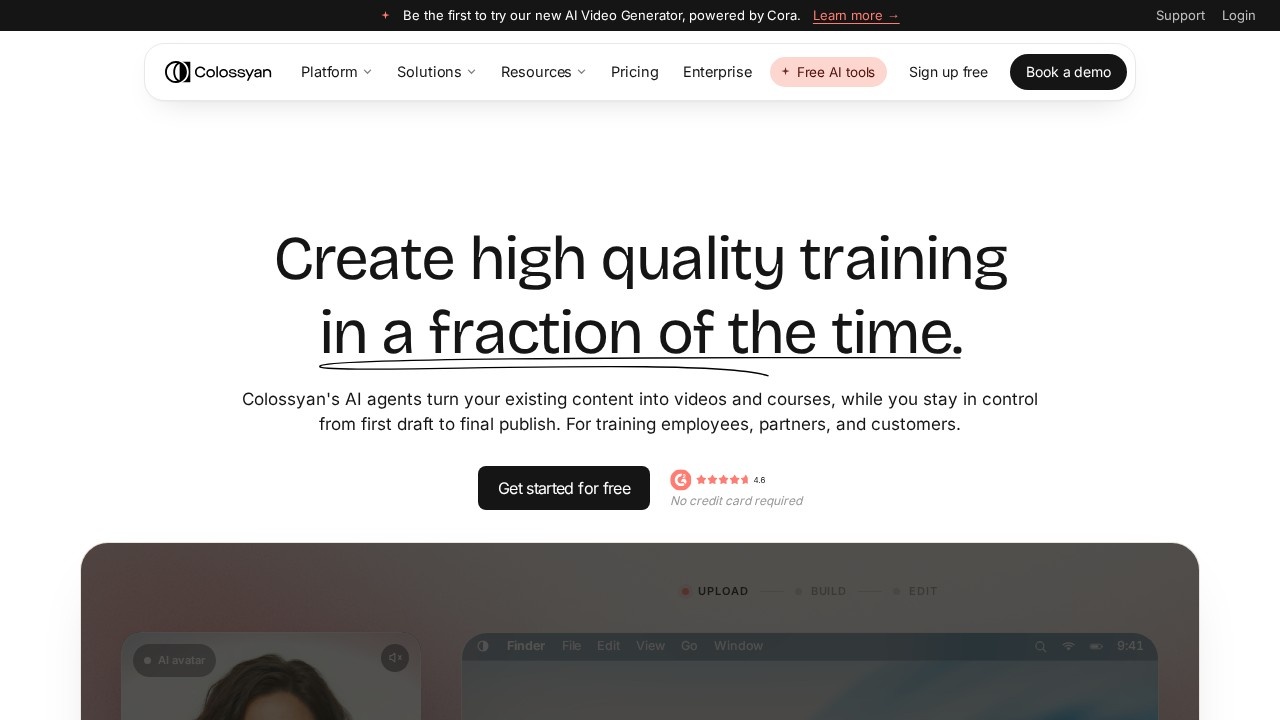
Colossyan is an AI video platform focused on training and enablement content. You drop in a source, such as a PDF, a slide deck, a web page or a video, and Colossyan turns it into presenter-led training videos and full courses that are scripted, voiced, interactive and translated into more than 100 languages.
Plan with Cora
Colossyan's new AI video generator is powered by an assistant called Cora. Cora builds a scene-by-scene plan, with a layout and script for each scene. You review it, ask for changes in plain language, and open the plan as an editable draft. Nothing is published until you approve it.
Edit and make it interactive
You edit the script like a document, and the voiceover updates to match. Scenes can be made interactive, for example with questions or choices, so learners stay engaged. Brand kits keep videos consistent with your company's look.
Translate
Videos can be translated automatically, which helps companies deliver the same training to staff in different countries.
Pricing
There is a free option with no credit card required. The Starter plan for individual creators is listed at 27 dollars a month and includes access to all Colossyan AI avatars, 20 video minutes a month, 15 custom avatars and 3 voices, brand kits, 10 interactive videos a month and 15 automatic translations a month. Larger plans for teams and enterprises are available, and you can book a demo.
Who it suits
Colossyan suits learning and development teams, HR departments, compliance trainers and customer education teams that need many training videos and regular updates without filming.
Things to consider
Check every script against the source material, since AI summaries can omit important details or change meaning, which matters for compliance and safety training. Review translations with native speakers for key courses. If you create custom avatars of real employees, get clear consent. Avatar videos work best for short, structured lessons; consider mixing in real footage for topics where human presence matters. Try the free option with one existing PDF to judge the results.
For teams with a backlog of slide-based training, it offers a practical way to turn static material into video.
Details
- Pricing
- Freemium
- Release date
- 2025-11-08
- Last checked
- 4d ago
- Indexing
- index, follow
- Category
- Video
Suggest an edit
Sign in to suggest an edit.
Pros and cons
Pros
- Turns a PDF, deck, or URL into presenter-led training videos.
- The free Starter plan needs no credit card and includes 20 video minutes.
- Translates videos into 100+ languages from the same project.
- Interactive videos and course building are included even on the free plan.
Cons
- Professional costs $59 a month, plus $30 for each additional editor.
- It is clearly aimed at training teams, less so at social content creators.
- Free minutes run out quickly if you produce long courses.
Checked 2026-10-19. · www.colossyan.com · www.colossyan.com/pricing/
Alternatives
 ReelCrewReelCrew turns one or two photos into a 12-second vertical video (1080×1920, music included) for TikTok, Reels and Shorts. Pick a trend template (Ramalama costume reveal, My Ride Is Here,…
 Quickpov AIAI platform to create viral POV videos from text prompts.
 FramecometTurn two selfies into a 12-second AI rap duo video. Pick a stage, add your names, and get a lip-synced verse with a beat, sized for TikTok, Reels and Shorts….
 HeyGenHeyGen turns a script into a video with an AI presenter, including avatars built from your own footage and dubbed translations in 175+ languages.
 Seedance 2.5Seedance 2.5 is a multimodal AI video generator you can start with a free trial, with free credits on sign-up. Create clips from 4 to 30 seconds in 480p, 720p…
 Kling 3.0 AI Video GeneratorKling 3.0 turns text prompts and source images into short videos with controllable motion, camera direction and cinematic visual styles. Browser-based workflow for social clips, ads and product demos; free…
 Imaginario AIIt also plays nicely with the rest of your stack. Links and files move in and out easily, so the tool sits naturally beside the software you already rely on....
 Millionaire 30 DaysUpload one photo of a fictional character or pet and get a 13-second vertical AI video of the viral “ChatGPT, how do I become a millionaire in 30 days?” meme….
 StorytokStoryTok generates viral "stories" format videos from text or Reddit links using AI.
 Ecango ComEcango is an AI-powered tool for fast and accurate audio and video transcription and translation.
 Canvid For WindowsIf ai video generation tasks are part of your routine, Canvid For Windows is worth testing against your own use cases. Their website, canvid.com, has the full details. A few...
 FlickifyaiAI platform to generate viral videos effortlessly and quickly.