


Meshy
Meshy turns photos, sketches or text into 3D models in under a minute, with AI texturing, auto-rigging, animation and plugins for Blender and Unity.
Sign in to rate this tool.
Overview
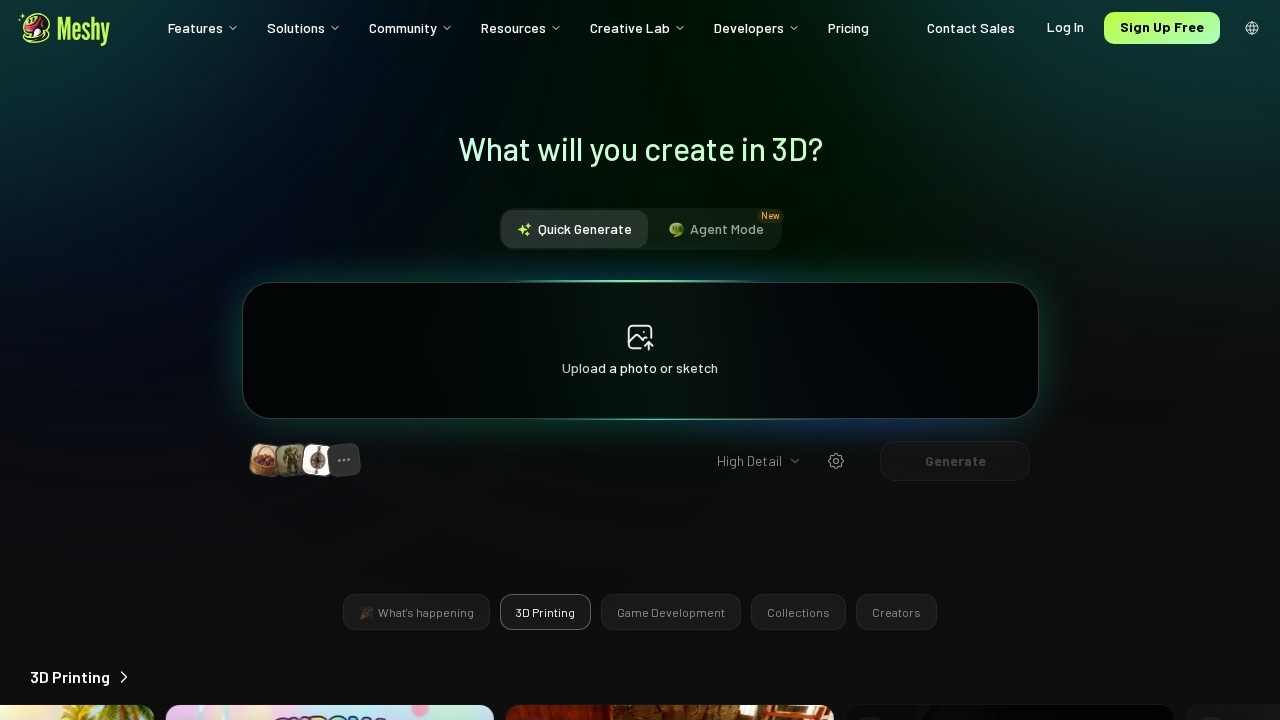
Meshy is an AI 3D model generator. You upload a photo or sketch, or describe an object in words, and it produces a ready-to-use 3D model in under a minute. The latest model, Meshy 7.1, is pitched as "true-to-reference 3D", meaning the result sticks closely to the image you give it.
Main features
- Image to 3D and Text to 3D.
- 3D Agent: chat from an idea, photo or sketch to a finished model.
- AI Texturing: add realistic PBR textures to any model.
- Auto-rigging and animation: rig a character's skeleton and weights automatically and animate it with 600+ motions.
- An AI image generator tuned for multi-view images that make good 3D inputs.
- A phone app: snap a photo and get a model.
Meshy fits into existing tools through plugins for Blender, Unity, Bambu Studio and Creality Print, a bridge to engines and apps such as Roblox, Godot, Unreal, Maya and 3ds Max, plus an API, an MCP server for AI agents and a command-line tool. Common uses include game assets, 3D printing, product design and animation, and there are free tools such as a 3D file converter and viewer.
Pricing
From the official pricing page, checked October 2026 (monthly prices in USD):
- Free: 100 credits a month, basic features, low queue priority. Models carry a CC BY 4.0 licence, so commercial use needs attribution.
- Pro: $20 a month. 1,000 credits (up to 100 assets), 10 concurrent tasks, the 3D Agent, private licence for all assets, full API and DCC bridge.
- Premium: $40 a month. 3,000 credits (up to 300 assets) and faster generation.
- Ultra: $100 a month. 8,000 credits (up to 800 assets).
- Studio: for teams, with shared credits and seats; Enterprise is custom.
New users were offered 50% off the first month when we checked, and yearly billing is cheaper. See meshy.ai/pricing.
Who it suits
Indie game developers, 3D printing hobbyists, product designers and anyone who needs lots of 3D assets quickly.
Pros: fast image and text to 3D; rigging and animation included; strong plugin and API support.
Cons: free models require attribution; asset caps per plan; serious work needs paid credits.
Alternatives
Spline is better for interactive 3D on websites. For 2D product visuals, see Photoroom.
Details
- Pricing
- Freemium
- Release date
- 2025-12-27
- Last checked
- 18h ago
- Indexing
- index, follow
- Category
- 3D
Suggest an edit
Sign in to suggest an edit.
Pros and cons
Pros
- fast image and text to 3D
- rigging and animation included
- strong plugin and API support
Cons
- free models require attribution
- asset caps per plan
- serious work needs paid credits
Alternatives
 SplineSpline is a browser 3D design tool for interactive scenes, with real-time collaboration, AI agents via MCP and publishing to web, iOS and Android.
 Krikey ComBuilt for ai video generation work, Krikey Com combines capable AI with straightforward design. It is the kind of tool you can start using immediately. The flexibility shows when the...
 ArtblastaiIt is a practical choice for ai image generation work, and the honest way to evaluate it is to give it a spin. Start at artblastai.com for the latest information....
 Stable VideoAI video model transforming images/text into videos.
 Spacely AIAccording to its listing, Spacely AI is an AI tool in the ai...
 Scribble To ArtIt is a practical choice for ai image generation work, and the honest way to evaluate it is to give it a spin. Start at scribbletoart.com for the latest information....
 Image to Claymation AI GeneratorImage to Claymation AI Generator appears...
 AI Cartoon GeneratorTeams running regular ai image generation campaigns turn to it for repeatable output, and solo creators use it to push through tasks that would otherwise stall their day. A few...
 OptivizioAI photo generator for professional-quality visuals.
 FotorFotor is an online photo editor and design tool with dozens of one-click AI tools for enhancing, removing, styling, generating images and video.
 Interior AIInterior AI redesigns rooms, exteriors and gardens from a photo, with virtual staging, style transfer, sketch rendering and dozens of room types and styles.
 ClaidClaid is an AI product photography suite for scenes, fashion models, video and enhancement, with a strong API and Free, Essentials, Pro and Business plans.