


Sign in to rate this tool.
Overview
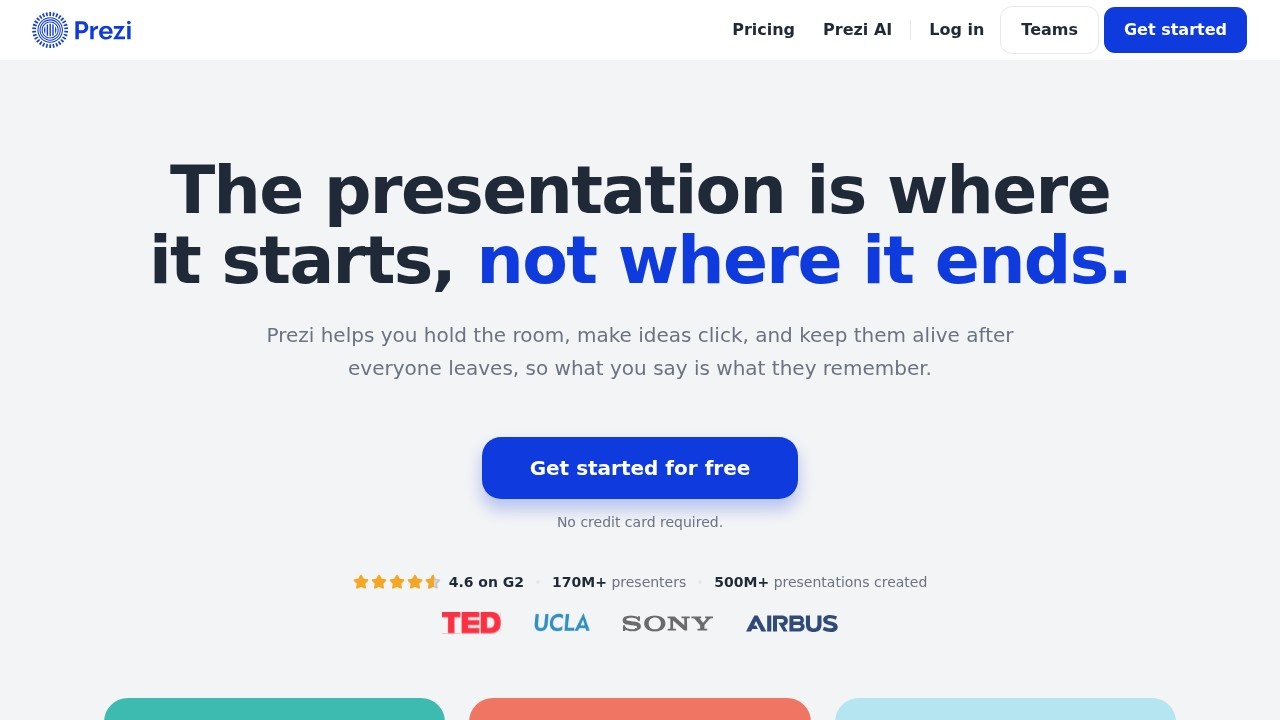
Prezi is a presentation platform that unifies slide decks with live audience response tools into one screen. You can get started for free without a credit card, and participation requires only a QR code scan, no app or account setup. The tool claims “The presentation is where it starts, not where it ends,” meaning it intends to keep learning active after the live session.
You begin by importing your deck from PowerPoint, Google Slides, Canva, or a PDF, or by describing your topic in a single sentence. The imported slides appear exactly as in the source file; you can then move them around, add text, images, or animations. While editing, you can insert a live poll, a quiz, a question‑and‑answer session, or a word cloud. Each activity is added from a sidebar and becomes part of the flow. When you present, you keep the same browser window open for all activities, so the audience sees slides and responses together rather than in separate tabs. At any point you can launch a poll or quiz; the results pop up question‑by‑question as participants respond. After the session finishes, Prezi offers multiple formats for review: a full interactive version, a video, a podcast, a transcript, or the original slides. Flashcards and self‑tests can be generated from the material for independent study.
Prezi targets trainers, teachers, professors, and onboarding managers who need to keep participants engaged and want data on what people understand. The system tracks completion rates and exports SCORM data for LMS integration, giving stakeholders visible proof of learning. It also accumulates audience questions, ranks them by upvotes, and collects session ratings and comments at the end. Users who frequently run workshops or live classes on remote platforms will appreciate the QR‑code entry and shared link for both in‑room and remote attendees. The tool may be less suitable for presenters who need advanced animation styles or offline editing, as the site does not mention desktop applications or offline support. It also does not provide detailed pricing beyond the free sign‑up, so an organization needing enterprise plans or custom billing will lack that information.
Key features
- Import slides from PowerPoint, Google Slides, Canva, or PDF, or build from a one‑sentence description
Details
- Pricing
- Free
- Release date
- 2026-04-04
- Last checked
- 1h ago
- Indexing
- noindex, follow
- Category
- Video
Suggest an edit
Sign in to suggest an edit.
Pros and cons
Pros
- Free start‑up with no credit card required
- Single‑screen workflow for creating, presenting, and streaming live activities
- QR‑code access removes barriers for participants in and out of the room
- Immediate, question‑by‑question feedback on polls and quizzes
Cons
- No published pricing tiers beyond the free signup
- Limited information on offline usage or mobile app support
- No detail on advanced animation or version control features
Alternatives
 PictoryAI-powered video creation and editing tool for marketing and content creation.
 SynthesiaSynthesia review (October 2026): AI avatar video platform for training and business video, verified Basic, Starter, Pro and Enterprise pricing.
 Colossyan CreatorPower users get deeper controls, while casual users can ignore them. The result is a tool that scales from quick one-off tasks to larger recurring workloads. It fits naturally into...
 ReelCrewReelCrew turns one or two photos into a 12-second vertical video (1080×1920, music included) for TikTok, Reels and Shorts. Pick a trend template (Ramalama costume reveal, My Ride Is Here,…
 Deepreel ComIt fits naturally into daily work. Whether you are handling a single quick task or a batch that would eat an afternoon, the tool keeps the pace steady. The tool...
 Dub AIThe flexibility shows when the same tool is used to sketch a quick idea in the morning and to polish final work in the afternoon. You are not locked into...
 Re Create VideoAI-powered app to recreate viral short-form videos.
 VideoideasaiAI assistant for YouTube creators to generate video scripts and content ideas.
 StorytokStoryTok generates viral "stories" format videos from text or Reddit links using AI.
 Runway MLRunway review (October 2026): AI video generation platform, Gen-4.5 and partner models, verified Free, Standard, Pro and Max pricing, pros and cons.
 HeyGenHeyGen turns a script into a video with an AI presenter, including avatars built from your own footage and dubbed translations in 175+ languages.
 Wui AIAI platform to repurpose long videos into viral clips.