


AI Webcam Effects For Video Meetings
AI Webcam Effects For Video Meetings brings a fresh take on ai video generation tools, pairing powerful AI with an interface that does not get in the way. It is...
Sign in to rate this tool.
Overview
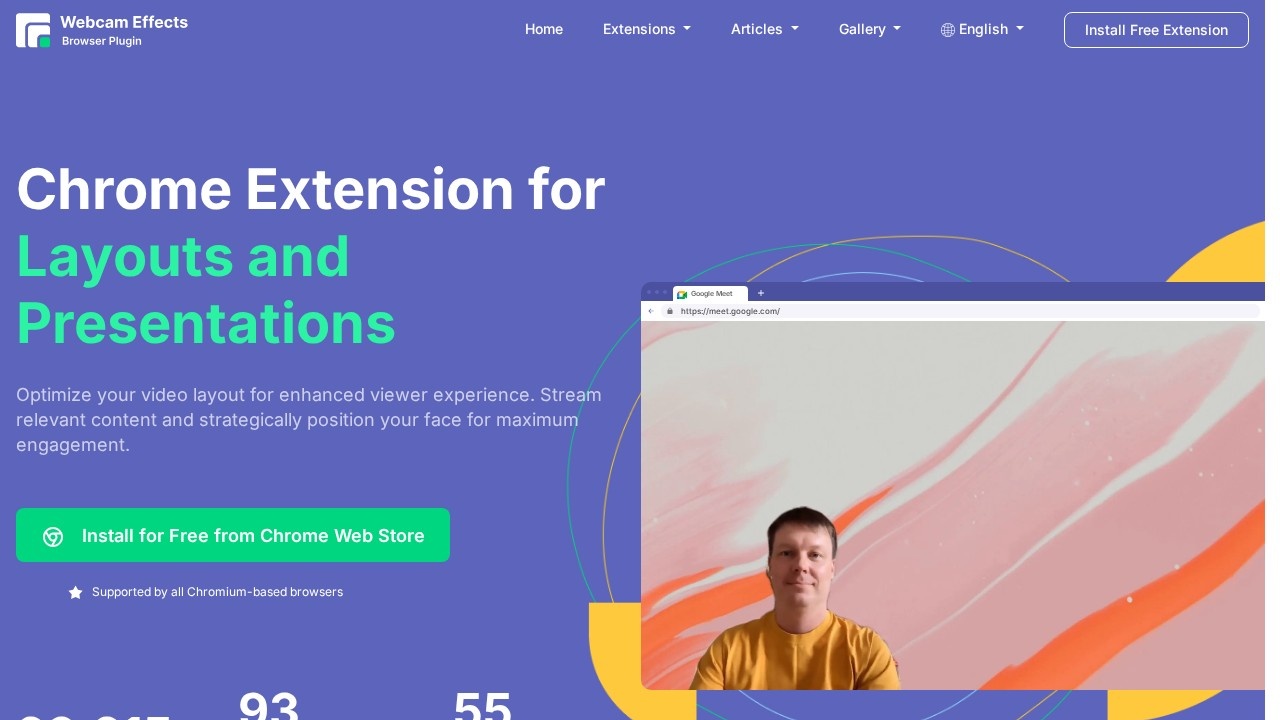
Webcam Effects is a browser extension that adds AI video effects to your webcam in any browser-based video call or stream. It works in Chrome and other Chromium browsers, and the site lists Google Meet, Microsoft Teams on the web, YouTube and Skype among supported services. It is free to install from the Chrome Web Store.
Features
Background blur uses AI to blur everything behind you in real time, hiding a messy room. Virtual backgrounds replace your background with a solid colour, your own image or a moving video. Smart zoom auto-frames your face so you stay centred as you move.
Layouts and presentations let you arrange your camera together with shared content, positioning your face beside slides or a screen for a more engaging presentation. The extension can also record a single source or a whole browser tab. For fun, you can drop emoji and Giphy animations into the call.
Noise cancelling
The same team offers a separate Noise Cancelling App that removes background noise from your microphone for calls, streams and recordings. It is installed separately.
Numbers
The site reports more than 23,000 weekly active users, 93 supported platforms and 55 languages.
Who it is for
It is useful for remote workers, teachers, students and streamers who join calls in the browser and want effects that the meeting service does not offer, or who want the same effects across different services. Because it runs in the browser, there is no desktop software to install.
Things to consider
Browser extensions that access your camera need broad permissions, so install only from the official store and review what it can access. AI effects use processing power and may slow down older computers or drain laptop batteries. Background replacement may flicker around hair or quick movements. Desktop apps for Zoom or Teams are not covered because the extension works only inside the browser. Check your organisation's IT policy before installing extensions on a work computer, and test effects before an important meeting. For most people, blur and smart zoom are the features they will use most often.
Because the extension is free, the easiest way to judge it is to install it, open a test call and try each effect with your own camera and lighting.
Details
- Pricing
- Free
- Release date
- 2026-03-01
- Last checked
- 4d ago
- Indexing
- index, follow
- Category
- Meetings
Suggest an edit
Sign in to suggest an edit.
Alternatives
 Fireflies.aiFireflies.ai records Zoom, Meet and Teams calls with a bot or app, then delivers searchable transcripts, summaries and action items.
 Read Speaker CoachIt may be useful to professionals exploring ai marketing workflows; suitability...
 Golinks Search Powered By ChatgptIf ai recruiting tasks are part of your routine, Golinks Search Powered By Chatgpt is worth testing against your own use cases. Their website, golinks.io, has the full details. The...
 EnconvoIt runs on a free model, so getting started is a low-risk decision. After a few sessions you will know quickly whether it fits. The flexibility shows when the same...
 WurkzenWurkzen brings a fresh take on ai business tools, pairing powerful AI with an interface that does not get in the way. It is aimed at everyday users and professionals...
 Felo SubtitlesReal-time translation plugin for multilingual communication and live subtitles.
 Ampedstudio ComIt is a practical choice for ai music work, and the honest way to evaluate it is to give it a spin. Start at ampedstudio.com for the latest information. There...
 Replypulse ComAI reply generator for X/Twitter growth, offering personalized and engaging replies.
 Mindmap AI AppThe listing indicates the tool operates on a free...
 TidyreadIt also plays nicely with the rest of your stack. Links and files move in and out easily, so the tool sits naturally beside the software you already rely on....
 ScriptmeAutomatic transcription and subtitle platform with AI-powered tools and multi-format support.
 MacgptSmall operations appreciate the low setup cost, and larger teams value the consistency. Both end up spending less time on busywork and more on the actual result. Plenty of detail...