


Read Speaker Coach
It may be useful to professionals exploring ai marketing workflows; suitability...
Sign in to rate this tool.
Overview
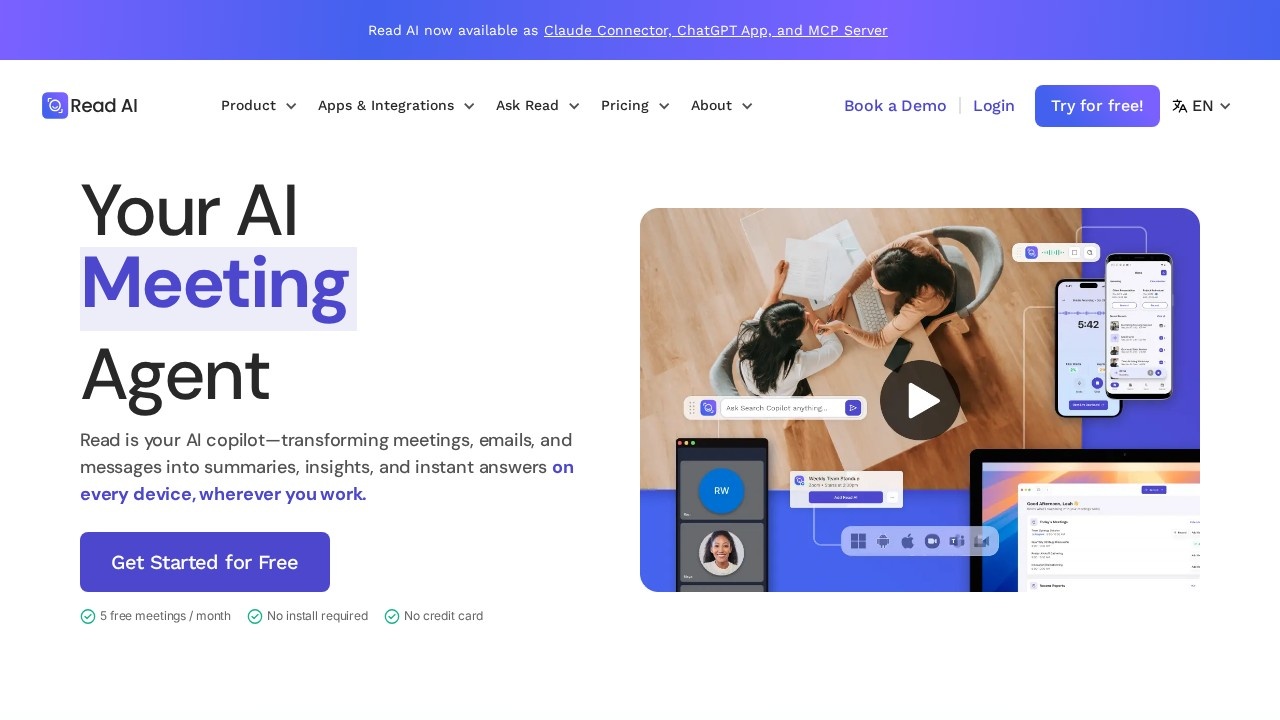
Read AI is a meeting assistant that records and summarises online meetings, then helps you act on what was decided. It works across Zoom, Google Meet and Microsoft Teams, and can be used through web, desktop and mobile apps, a Chrome extension, and connections for ChatGPT, Claude and other AI tools through an MCP server.
Before, during and after meetings
Before a meeting, Read AI pulls context from your calendar, email, past meetings and CRM, so you know what was promised last time and what is still open. This briefing is delivered to your inbox. During the meeting, it captures what is said and produces recaps, action items and highlights tailored to you. Read AI notes that everyone in the meeting is told it is present.
After the meeting, action items can be sent to the tools your team already uses. With Ask Read, you can ask questions such as what was decided or who owns a task, and get answers with citations to the source meeting. Shared content becomes searchable for your whole team, which the company calls enterprise search.
Integrations
Read AI describes itself as platform-agnostic. It connects to many work tools so it can combine information from meetings, email and messages. A full list is on the integrations page.
Pricing
There is a free plan for individuals with five meeting transcripts a month, summaries, transcription and unlimited search. No install or credit card is needed to start. Paid plans add more meetings and team features, with a discount for annual billing. Check the pricing page for current tiers.
Who it is for
It suits managers who attend many calls, sales teams tracking client conversations, consultants and anyone who wants searchable notes instead of writing them by hand.
Things to consider
Recording laws differ between countries and states, so make sure all participants agree to be recorded, especially external guests. Summaries can miss nuance or misattribute who said what, so check important decisions against the transcript. Because Read AI connects to email, calendars and CRM data, review the permissions you grant and the company's data policies with your IT team. Five meetings a month is enough to try it but not for daily use.
Details
- Pricing
- Freemium
- Release date
- 2026-03-06
- Last checked
- 4d ago
- Indexing
- index, follow
- Category
- Meetings
Suggest an edit
Sign in to suggest an edit.
Alternatives
 Fireflies.aiFireflies.ai records Zoom, Meet and Teams calls with a bot or app, then delivers searchable transcripts, summaries and action items.
 AI Webcam Effects For Video MeetingsAI Webcam Effects For Video Meetings brings a fresh take on ai video generation tools, pairing powerful AI with an interface that does not get in the way. It is...
 Otter AIOtter.ai review (October 2026): AI meeting notetaker for Zoom, Teams and Meet, verified Basic, Pro and Business pricing, language support and privacy tips.
 Felo SubtitlesReal-time translation plugin for multilingual communication and live subtitles.
 Mia PrmA few standout features include quick presets, template support, export in common formats, and the ability to keep recurring projects organized in one place. The design favors clarity over decoration....
 Good TapeAutomatic transcription service for audio and video files, focusing on speed and accuracy.
 Transcript LolConverts audio/video to text, summaries, and insights quickly and accurately.
 Mindmap AI AppThe listing indicates the tool operates on a free...
 Final Round AIThe flexibility shows when the same tool is used to sketch a quick idea in the morning and to polish final work in the afternoon. Plenty of detail is tucked...
 EnconvoIt runs on a free model, so getting started is a low-risk decision. After a few sessions you will know quickly whether it fits. The flexibility shows when the same...
 ReccloudThe whole experience is built around finishing things. From the first run onward, you are guided toward complete, usable results rather than half-finished experiments. Freelancers use it to keep client...
 PdfgearThe whole experience is built around finishing things. From the first run onward, you are guided toward complete, usable results rather than half-finished experiments. Teams running regular ai coding campaigns...
Pros and cons
Pros
- Free plan covers five meetings a month with no install or card.
- Summaries pull context from your email and calendar, not just the call.
- Available as a Claude connector, ChatGPT app and MCP server.
- Includes a personal meeting coach and supports 20+ languages.
Cons
- Five free meetings a month will not last a busy week.
- Annual billing is needed to get the 25 percent discount.
- Connecting email and calendar may worry privacy-minded teams.
Checked 2026-10-19. · www.read.ai/ · www.read.ai/plans-pricing