


Dockyai Chatgpt Sidebar Chrome Extension
Teams running regular ai chatbots campaigns turn to it for repeatable output, and solo creators use it to push through tasks that would otherwise stall their day. Before you decide,...
Sign in to rate this tool.
Overview
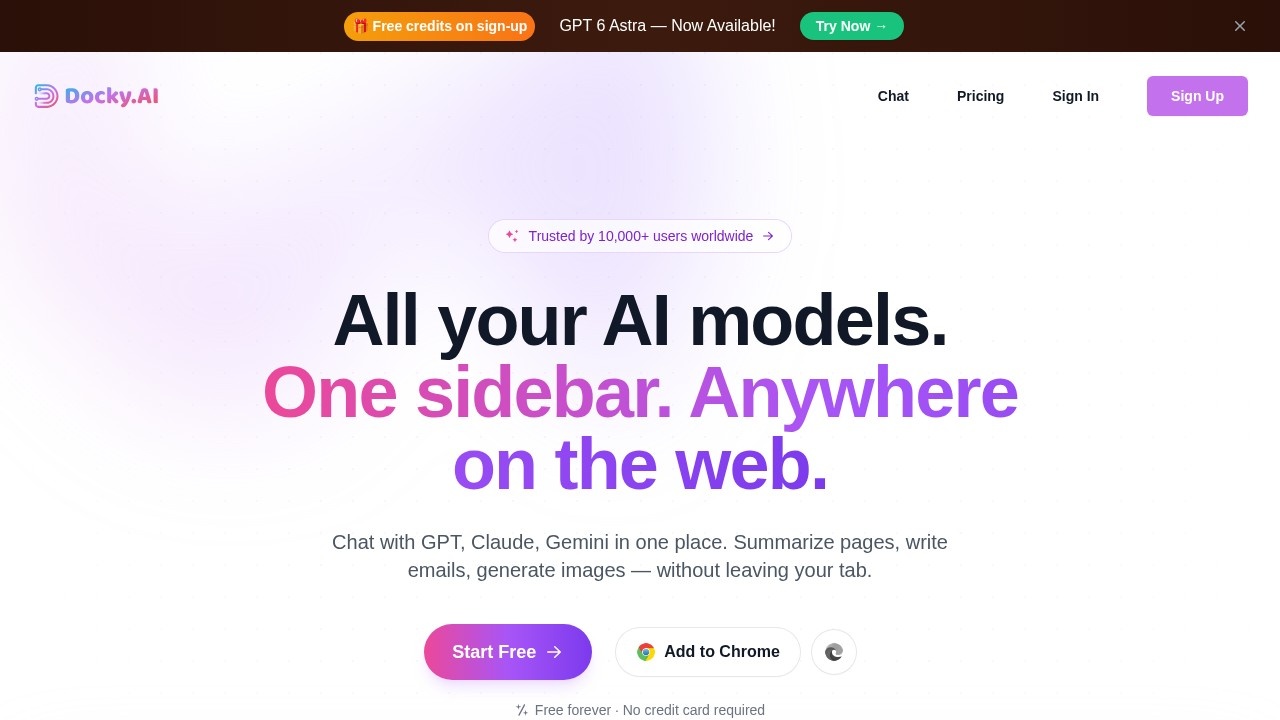
Docky.AI is an AI sidebar for your browser. It brings several AI models into a panel that opens next to any website, so you can chat, summarise, write and create images without switching tabs. It supports models from OpenAI, Anthropic's Claude, Google Gemini, DeepSeek, Qwen and Grok, plus image models such as Flux, Stability, Ideogram and DALL-E. The site says more than 10,000 people use it.
Main features
Multi-model chat lets you compare answers. You can @mention several models, such as @gpt, @claude and @gemini, in a group chat, ask them the same question and pick the best answer. More than 12 models are available, and web search can be added to chats.
Reading tools summarise web pages and PDF, Word and PowerPoint files in one click, and OCR extracts text from images. Writing tools help you compose and reply to emails, blogs and posts, and check grammar while matching your tone, language and length. For images, you can switch between Flux, DALL-E HD, SDXL and Ideogram.
Built for the browser
Press Cmd or Alt plus K to open the sidebar on any website. A text-selection toolbar appears when you highlight text, so you can explain, translate or continue writing it. Search enhancement shows AI answers next to Google and Bing results.
Pricing
Docky.AI has a free plan with no credit card required, and paid plans for heavier use and premium models. Check the site for current limits.
Who it is for
It suits students, writers, researchers and office workers who use AI many times a day and want different models in one place without separate subscriptions, and people who often summarise long pages or documents.
Things to consider
A sidebar that reads the pages you visit needs broad browser permissions, so think about what it can see, especially on work, banking or medical sites. Do not paste confidential information unless your employer allows it. Free plans usually limit access to the most advanced models. AI answers and summaries can be wrong, so check key facts. Many similar sidebar extensions exist, so compare limits and price before paying.
The free plan is the easiest way to check whether the shortcut and sidebar fit the way you work.
Details
- Pricing
- Freemium
- Release date
- 2026-05-15
- Last checked
- 4d ago
- Indexing
- index, follow
- Category
- Assistant
Suggest an edit
Sign in to suggest an edit.
Alternatives
 VideoideasaiAI assistant for YouTube creators to generate video scripts and content ideas.
 ChatboxPower users get deeper controls, while casual users can ignore them. The result is a tool that scales from quick one-off tasks to larger recurring workloads. The tool is free,...
 ChatbluAI ChatBot Assistant for E-Commerce, integrates with Shopify, customizable dashboard.
 Resleeve AITeams running regular ai image generation campaigns turn to it for repeatable output, and solo creators use it to push through tasks that would otherwise stall their day. The tool...
 Voqusa Instagram TranscriptTeams running regular ai agents campaigns turn to it for repeatable output, and solo creators use it to push through tasks that would otherwise stall their day. It is a...
 AnywordTeams running regular ai writing campaigns turn to it for repeatable output, and solo creators use it to push through tasks that would otherwise stall their day. The feature set...
 EffieTeams running regular ai coding campaigns turn to it for repeatable output, and solo creators use it to push through tasks that would otherwise stall their day. Power users get...
 TaskadeIt is a practical choice for ai agents work, and the honest way to evaluate it is to give it a spin. Start at taskade.com for the latest information. It...
 Golinks Search Powered By ChatgptIf ai recruiting tasks are part of your routine, Golinks Search Powered By Chatgpt is worth testing against your own use cases. Their website, golinks.io, has the full details. The...
 Jasper AIJasper review (October 2026): AI marketing content platform with Brand Voice, agents and Canvas, verified Pro pricing, Business plan and trial details.
 Google GeminiGoogle Gemini review (October 2026): features, verified Free, AI Plus, AI Pro and AI Ultra pricing, who it suits, pros, cons and alternatives.
 AI Yc S24Teams running regular ai voice campaigns turn to it for repeatable output, and solo creators use it to push through tasks that would otherwise stall their day. Before you decide,...