


Chatbox
Power users get deeper controls, while casual users can ignore them. The result is a tool that scales from quick one-off tasks to larger recurring workloads. The tool is free,...
Sign in to rate this tool.
Overview
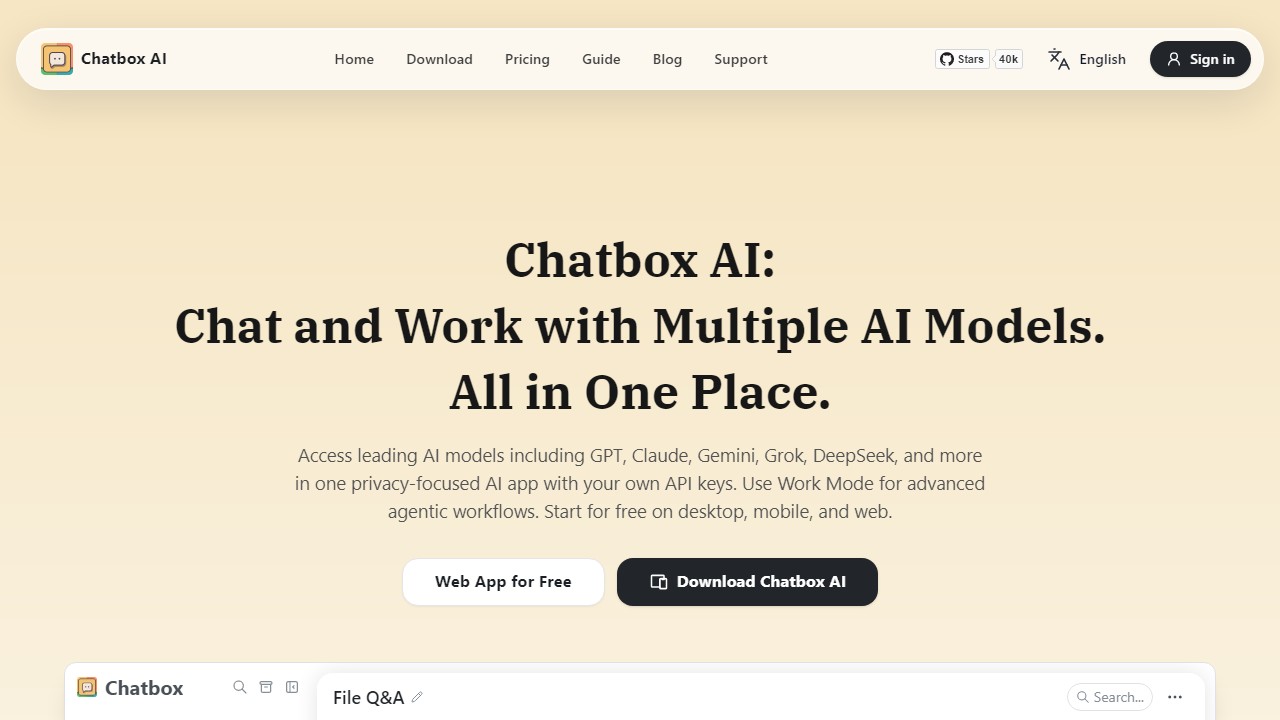
Chatbox AI is a chat client that gives access to many leading AI models in one app. It works on desktop, mobile and the web, and lets you use models such as GPT, Claude, Gemini, Grok and DeepSeek either through your own API keys or through Chatbox's paid plans. The company positions it as privacy-focused, and it also offers a Work Mode for more advanced agentic workflows.
Main features
Beyond chat, Chatbox can read many kinds of files, including PDFs, Word documents, images and code, and summarise them, answer questions and extract information. It offers live web search for up-to-date answers and a local knowledge base where you store documents so the app can draw on them later. Other features include rich formatting, code preview, image generation and custom copilots, which are saved assistants with their own instructions. The app itself notes that AI-generated content may be inaccurate and should be verified.
Own keys or a plan
Using your own API keys means you pay the model providers directly and keep control of which services you use. Alternatively, Chatbox plans include compute points used for model chats, web search and document analysis, with access to a range of standard models.
Pricing
There is a free tier for light use. Lite costs $3.99 per month, or $3.50 when billed annually. Pro costs $19.99 monthly or $16.70 annually, and Pro+ costs $39.99 monthly or $33.33 annually, aimed at intensive work. Higher plans include larger compute quotas and broader model access.
Who it suits
Chatbox suits people who use several AI models and want one interface, developers who already hold API keys, and users who want local document storage.
Things to consider
When using your own keys, track spending in each provider's dashboard, because heavy use can be costly. Check which data stays on your device and which is sent to model providers. Model names and quotas change often, so confirm the current list before choosing a plan.
A sensible way to start is the free tier or a single API key, testing file Q&A and web search on real work before paying for a larger plan. Users who need team features or central billing should check whether the current plans offer them, since the app is aimed mainly at individuals.
Details
- Pricing
- Freemium
- Release date
- 2025-09-23
- Last checked
- 3d ago
- Indexing
- index, follow
- Category
- Assistant
Suggest an edit
Sign in to suggest an edit.
Alternatives
 EnconvoIt runs on a free model, so getting started is a low-risk decision. After a few sessions you will know quickly whether it fits. The flexibility shows when the same...
 MarsaiPower users get deeper controls, while casual users can ignore them. The result is a tool that scales from quick one-off tasks to larger recurring workloads. You will find a...
 Faraday AIPower users get deeper controls, while casual users can ignore them. The result is a tool that scales from quick one-off tasks to larger recurring workloads. It runs on a...
 Lamatic AILamatic AI is a focused ai coding solution that answers a clear need. You can see what it does within minutes of opening the page. Power users get deeper controls,...
 Dot SymbolCopy dot symbols and check their Unicode, HTML, CSS, JavaScript, and keyboard references.
 CursorCursor review (October 2026): AI-first code editor with agents, verified Hobby, Pro, Pro+, Ultra and Teams pricing, privacy mode, pros and cons.
 GitHub CopilotGitHub Copilot review (October 2026): AI coding assistant in your editor and on GitHub, verified Free, Pro, Pro+ and Max plans and AI Credits explained.
 Navamai Enhance Your Craft With AIThe tool is free, which keeps the barrier to entry low. You can try it before deciding whether it earns a permanent place in your workflow. Power users get deeper...
 AskyourdatabasePower users get deeper controls, while casual users can ignore them. The result is a tool that scales from quick one-off tasks to larger recurring workloads. Before you decide, skip...
 ReplitReplit is a browser-based builder where an AI Agent writes, hosts and publishes full apps from a plain-language description, with database and auth built in.
 LovableLovable builds and hosts full web apps from a chat, with Cloud hosting, auth and payments included and a credit-based Pro and Business plan.
 Fireworks AIYou are not locked into a single way of doing things. Fireworks AI supports your existing habits instead of forcing a new one, which makes adoption within a team much...