


Imagine Studios AI
For accurate, up-to-date information about Imagine Studios AI, including features,...
Sign in to rate this tool.
Overview
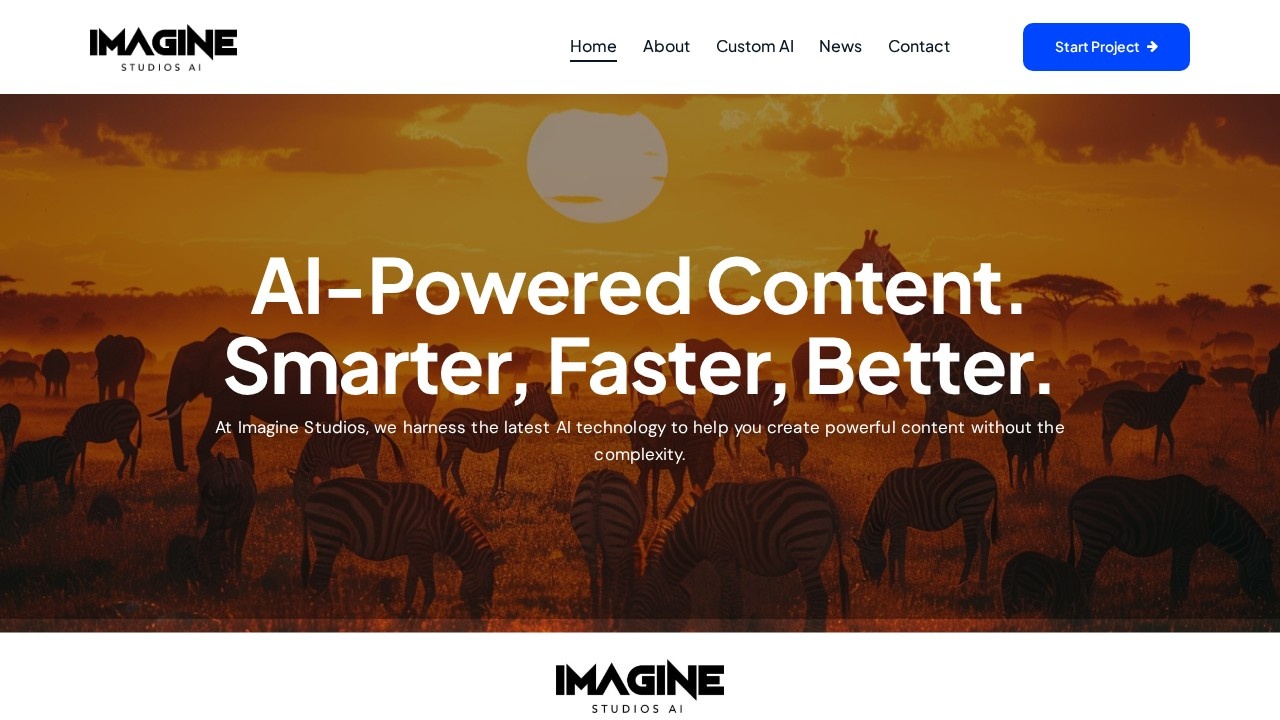
Imagine Studios AI is positioned as a one‑stop studio that generates high‑quality images, videos, music, animations and social‑media content using artificial intelligence. The site frames the offering as a way to produce polished material without a developer or designer on hand. Pricing remains undisclosed; the interface shows “0 items – £0.00” until a user clicks “Start Project” and the output appears in a list.
The workflow begins by selecting the type of media you need. For images, you might provide a text prompt that the AI expands into a rendered photograph or illustration. For video, the tool produces a short clip that can be used in marketing or social posts. Music generation yields a track automatically set to a chosen mood or style. Animation output appears as a loop or short scene ready for posting. The studio claims the AI handles every step and that the team applies creative judgment to refine the result, but there are no specifics about custom settings, resolution, or format options beyond the generic “ready to use” statement.
The primary audience is brands, businesses and creators who want to fill content calendars quickly. Those who rely on scripted, brand‑specific imagery or licensing for unique artistic works may find the service less suitable, because the platform presents the content as a bulk output with no evidence of watermark removal or exclusive rights. Conversely, users who need generic product photos, stock‑style posters, or rapid social‑media graphics may benefit from the instant generation and low entry cost implied by the free start.
Because the page offers no pricing table or tier names, it is unclear what constitutes a “project” or the size limits of each asset. No sample thumbnails, file formats, or download links appear on the landing page, so it is not certain whether the outputs are PNG, MP4, MP3 or another standard. The only interaction is a single button that begins the AI‑backed creation process; beyond that, there is no indication of additional editing tools or revision cycles.
Key features
- AI‑driven generation of images, videos, music, animations and social media graphics.
- One‑click “Start Project” workflow that triggers the AI engine.
- Full studio handling of production and post‑processing.
- Immediate, ready‑to‑use output presented after generation.
- Targeted at brands, businesses and creators needing quick visual or audio content.
Details
- Pricing
- Free
- Release date
- 2026-03-24
- Last checked
- 8h ago
- Indexing
- noindex, follow
- Category
- Writing
Suggest an edit
Sign in to suggest an edit.
Pros and cons
Pros
- Eliminates manual design or editing steps for common media types.
- Covers a broad range of content categories.
- Simple interface with instant output once a project is started.
- No upfront cost shown for the initial trial.
Cons
- No pricing or subscription details available.
- Limited information on customization, file format or resolution.
- No examples of output media displayed on the page.
Alternatives
 Contentstudio IoThe flexibility shows when the same tool is used to sketch a quick idea in the morning and to polish final work in the afternoon. It runs on a free...
 Deepreel ComIt fits naturally into daily work. Whether you are handling a single quick task or a batch that would eat an afternoon, the tool keeps the pace steady. The tool...
 Jasper AIJasper review (October 2026): AI marketing content platform with Brand Voice, agents and Canvas, verified Pro pricing, Business plan and trial details.
 EffieTeams running regular ai coding campaigns turn to it for repeatable output, and solo creators use it to push through tasks that would otherwise stall their day. Power users get...
 Gptzero MeSmall operations appreciate the low setup cost, and larger teams value the consistency. Both end up spending less time on busywork and more on the actual result. For a straightforward...
 Fluxai Art Free AI Image GeneratorRather than chasing every possible feature, Fluxai Art Free AI Image Generator picks the ones that matter and does them well. That restraint is noticeable the first time you open...
 Rush Roto Product Photo A IWhat stands out most is predictability. The same input produces dependable output, which matters when you are producing work for clients or publishing on a schedule. It runs on a...
 MokkerCollaboration hooks are there too - simple ways to pass work between teammates without emailing files back and forth or losing track of versions. Mokker is a ai image generation...
 PikaPika is an idea-to-video platform that turns ideas into motion videos.
 Krikey ComBuilt for ai video generation work, Krikey Com combines capable AI with straightforward design. It is the kind of tool you can start using immediately. The flexibility shows when the...
 Turn Texts Into AI Animated StoriesAI-driven platform to create animated stories from text with visuals, voiceovers, and music.
 Canva AICanva Magic Studio review (October 2026): Canva's AI design tools, Magic Write, Magic Edit, Magic Media, plans, AI usage limits, pros and cons.