


sideOS.ai
Local AI for dictation, meetings, background tasks and more
Sign in to rate this tool.
Overview
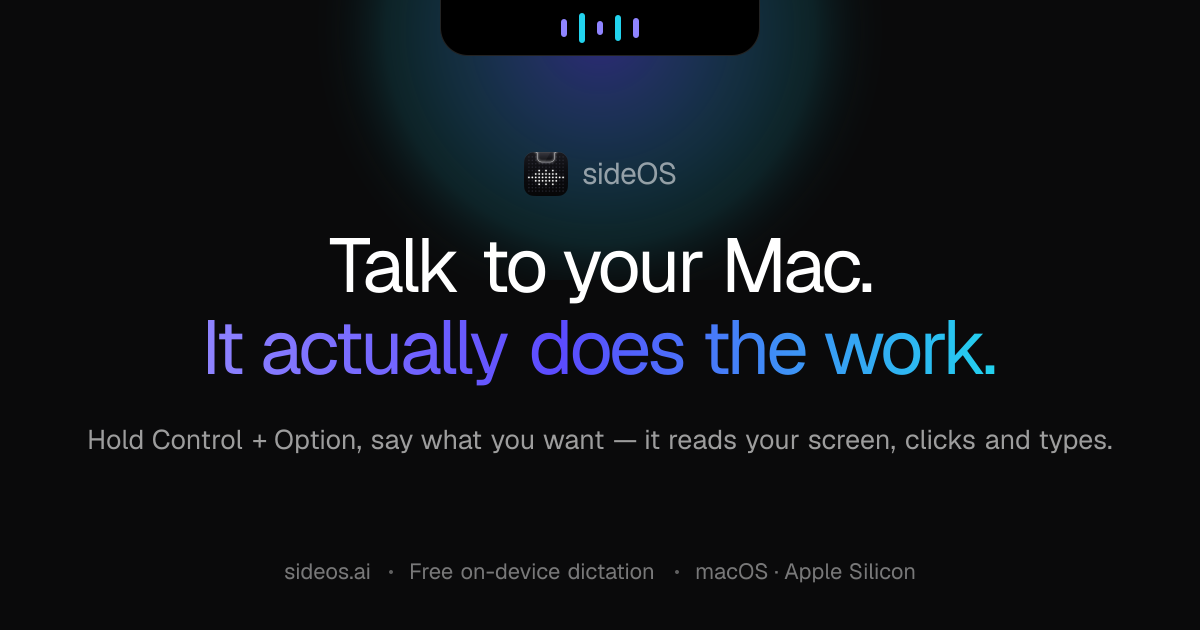
SideOS.ai is a locally run AI assistant that occupies the notch of a MacBook. By pressing Control + Option and speaking a command, the tool reads the accessibility tree of the screen and takes action, opening an app, clicking a button, typing text, or running an AppleScript. The assistant is sold as a one‑time purchase and ships with on‑device dictation.
When you activate sideOS, the program hooks into macOS's accessibility API, which lists every button, checkbox, and text field by name. From there, sideOS can open Mail, Notes, Calendar, or a browser, then find the button “Send” and click it, all without leaving a hand for you to press anything. While speaking, you can point the cursor at a region of the screen; the notch lights up and a laser pointer follows the spoken phrase, allowing commands such as “highlight this paragraph” or “fix that error.” If the user speaks text while no editable field is focused, the spoken words are copied to the clipboard and the notch signals that the clipboard now contains the text.
Background tasks are managed in an isolated loop so they do not interfere with the user's current activity. Commands like `research this market and write me a report` spawn a task that runs shell commands, reads Markdown files, performs web searches, and renders PDFs. All output lands in the `Documents/sideOS Tasks` folder, and a notification appears when the file is ready. When the assistant needs your confirmation, for example, for a command it cannot safely undo, it prompts with a simple dialog.
For meetings, sideOS watches for Zoom, Microsoft Teams, or Google Meet windows. Upon detection, it offers one‑tap recording. The audio is kept on the Mac and processed by Whisper locally. The resulting transcript is split by speaker, summarized, and any identified action item becomes a reminder in the notch. The user can decide how long the full audio or transcript is stored, from instant deletion to a one‑year retention. Reminders can also be set manually: saying “remind me to send Maya the deck at two tomorrow” creates a timed alert that can trigger before the time, allowing the assistant to fetch a news digest and present it ahead of schedule.
Key features
- One‑time purchase with local AI and no data sent externally
Details
- Pricing
- Free
- Last checked
- 7h ago
- Indexing
- noindex, follow
Suggest an edit
Sign in to suggest an edit.
Pros and cons
Pros
- Complete data privacy; no cloud connection needed
- Fast screen parsing via accessibility API (~50 ms)
- Supports 62 languages for dictation
- Background tasks execute without interrupting the user
Cons
- Pricing details not published on the site
- Only available on macOS, dependent on the MacBook notch
- No plugin or API integration information provided
Alternatives
 SpeechpulseSpeech recognition and translation software for real-time typing, transcription, and subtitle generation.
 EnconvoIt runs on a free model, so getting started is a low-risk decision. After a few sessions you will know quickly whether it fits. The flexibility shows when the same...
 Linkly AIYou will find a free plan, making it easy to test the tool against your own needs first. The practical way to judge it is to use it. The design...
 Znote AIYou are not locked into a single way of doing things. Znote AI supports your existing habits instead of forcing a new one, which makes adoption within a team much...
 BanvaBrowser-based AI subtitling, transcription, and translation platform supporting 90+ languages.
 BeamFor a straightforward look at an option like this, Beam is a sensible place to start. Visit getbeam.ai to see live examples and up-to-date details. The feature set covers the...
 Kilo AIUnderneath it all, the processing is efficient enough for everyday use. Large inputs take a moment, but ordinary work flows through without interruption. Kilo AI brings a fresh take on...
 Meta AIMeta AI is Meta's free assistant inside WhatsApp, Instagram, Messenger and Facebook, with deep research, image editing and voice in 13 languages.
 Safina AIThe feature set covers the basics well and adds thoughtful extras - keyboard shortcuts, reusable templates, and clean sharing options - without overwhelming you. Safina AI brings a fresh take...
 Voicetype AIAI-powered dictation app that transcribes, edits, and auto-formats speech into text.
 GowhisperPrivacy-focused desktop app for local audio transcription.
 RaindropIt runs on a free model, so getting started is a low-risk decision. After a few sessions you will know quickly whether it fits. The flexibility shows when the same...