


Upscayl
Upscayl is a free, open-source AI image upscaler for Linux, macOS and Windows, with a paid Upscayl Cloud service for browser upscaling, editing and generation.
Sign in to rate this tool.
Overview
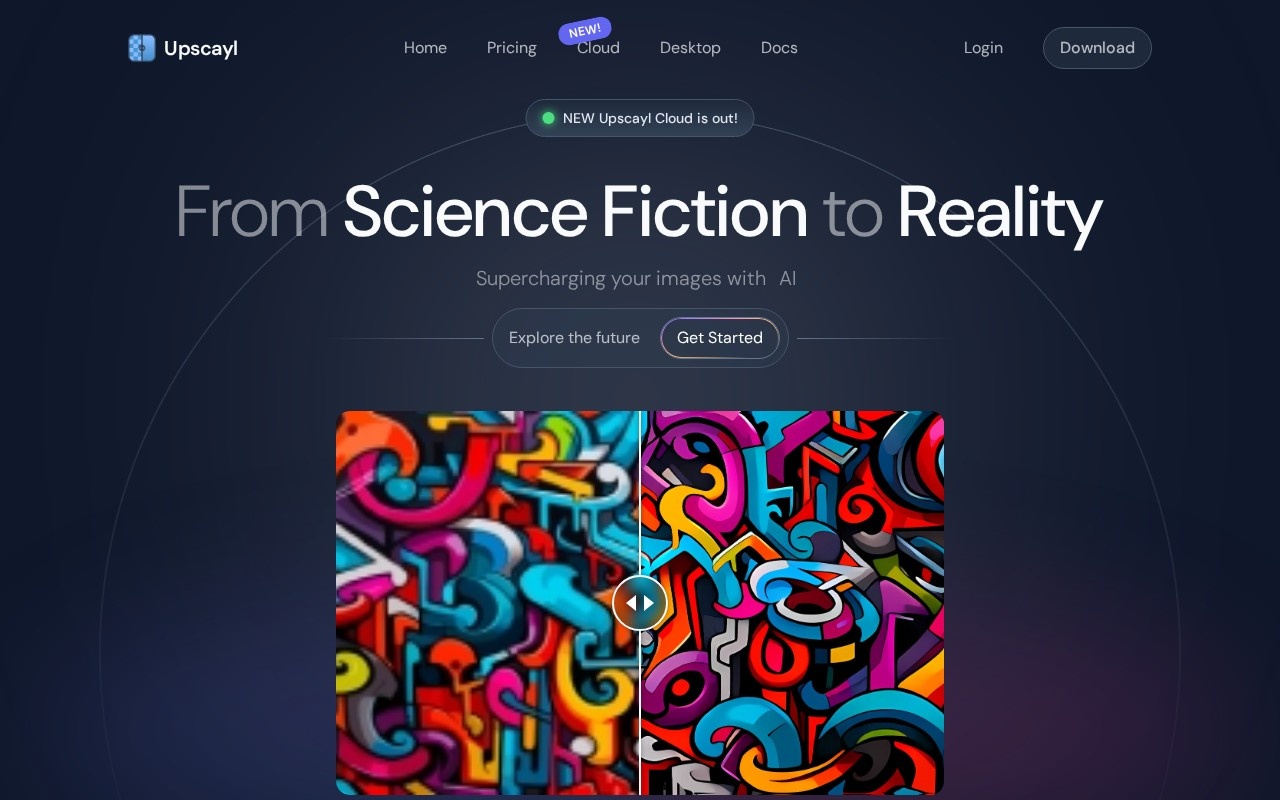
Upscayl is an AI image upscaler that comes in two forms: a free, open-source desktop app, and a newer paid web service called Upscayl Cloud. Both do the same basic job, turning a blurry or pixelated image into a larger, clearer one, but they suit different people.
Upscayl Desktop
The desktop app runs on Linux, macOS and Windows. It's free and open source; in the project's words, "download once, forever yours". You pick from several AI models for different kinds of images, choose how far to enlarge (up to 16x), and save in high quality. Batch Upscayl processes a whole folder at once, and Double Upscayl runs an image through twice for extra quality. There are plenty of customisation options too.
Upscayl Cloud
The cloud version works in a browser on any device and adds features the desktop app doesn't have:
- Upscaling up to 16x with multiple models, which Upscayl says is ten times faster than before.
- Colour accuracy aimed at print.
- Image editing with face enhancement, detail recovery and batch processing.
- AI image generation in several styles.
- Cloud storage so you can reach your files anywhere.
Cloud pricing
From the official pricing page, checked October 2026: a free trial gives 10 credits after you fill in a short trial application. The Pro plan is priced by how many credits you need each month (100 to 5,000), and the page showed $24.99 at the 300-credits-a-month level. Pro includes credit rollover, priority support, six months of unlimited storage, upscaling up to 256 MP and image generation. Business plans go up to 512 MP with custom pricing. You can also buy credits once instead of subscribing, and annual billing saves up to 40%.
If you cancel, subscription credits don't roll over and your history is deleted after a month. See upscayl.org/pricing for your exact amount.
Which one to pick
If you just want to upscale on your own computer, the free desktop app is the obvious place to start. Choose Cloud if you work on a phone or tablet, need very large outputs or want editing and generation in the same place.
Pros: a genuinely free, open-source desktop app; batch processing; cloud option for any device.
Cons: the desktop app is upscaling only; Cloud needs a trial application; Cloud history is deleted a month after you cancel.
Alternatives
See Let's Enhance for a web-only upscaler and Magnific for creative upscaling.
Details
- Pricing
- Freemium
- Release date
- 2025-11-10
- Last checked
- 15h ago
- Indexing
- index, follow
- Category
- Enhance
Suggest an edit
Sign in to suggest an edit.
Alternatives
 Let's EnhanceLet's Enhance upscales images up to 16x and 512 MP, enhances and restores photos, and runs on credits with free, Starter, Pro and Max plans.
 MagnificMagnific, the AI upscaler, is now also Freepik's new name: an all-in-one creative platform with image, video, audio and 3D tools plus stock assets.
 Photo RestoreBefore you decide, skip the speculation and look at the source. photorestore.io shows exactly what Photo Restore does today and how to get started with it. Small operations appreciate the...
 PixlrPixlr is a free browser photo editor with AI generation, generative fill, upscaling and video and audio tools, plus cheap Plus, Premium and Ultra plans.
 SpeechpulseSpeech recognition and translation software for real-time typing, transcription, and subtitle generation.
 starryaistarryai is a mobile and web AI image generator with 1,000+ styles, full ownership of your images and a Lumen credit system on its Unlimited Pro plans.
 RunninghubThe tool is free, which keeps the barrier to entry low. You can try it before deciding whether it earns a permanent place in your workflow. There is a deliberate...
 FotorFotor is an online photo editor and design tool with dozens of one-click AI tools for enhancing, removing, styling, generating images and video.
 ClaidClaid is an AI product photography suite for scenes, fashion models, video and enhancement, with a strong API and Free, Essentials, Pro and Business plans.
 Clipto ComAI-powered media management assistant with transcription, video editing, and asset management tools.
 Raphael AIA description of this product, its capabilities, and its intended...
 ReimagineHomeReimagineHome designs interiors and exteriors with real, shoppable products on a budget, keeps structure fixed, and offers 5 free designs to start.
Pros and cons
Pros
- a genuinely free, open-source desktop app
- batch processing
- cloud option for any device
Cons
- the desktop app is upscaling only
- Cloud needs a trial application
- Cloud history is deleted a month after you cancel