


Photo Restore
Before you decide, skip the speculation and look at the source. photorestore.io shows exactly what Photo Restore does today and how to get started with it. Small operations appreciate the...
Sign in to rate this tool.
Overview
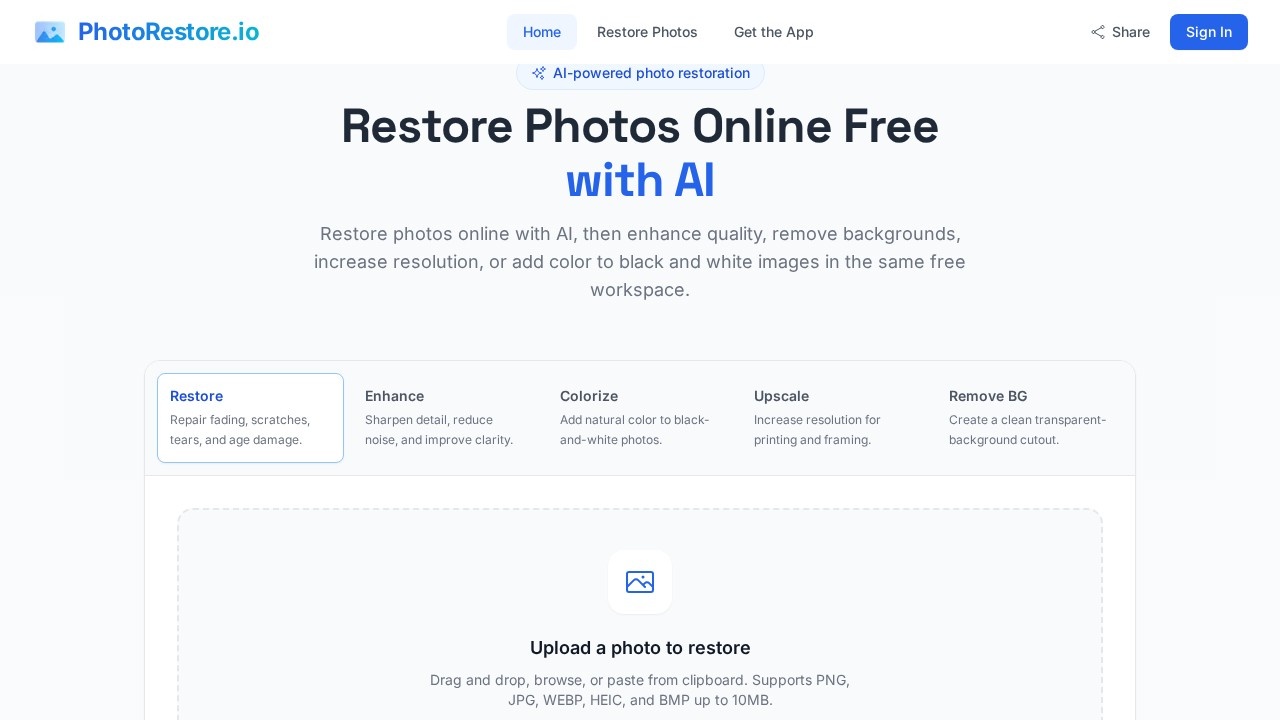
PhotoRestore is an online AI tool for restoring old family photographs. It fixes tears, scratches and fading, adds natural colour to black-and-white photos and can enlarge images, usually in about a minute. A distinctive feature is face protection: the restoration is asked to leave faces as they are, so the people in your photos still look like themselves.
How it works
Add a photo from your gallery or take a picture of the print with your phone. You can upload up to ten photos at once in JPG, PNG, WebP or HEIC format, up to 10 MB each. PhotoRestore then repairs damage, gently enhances, adds colour or enlarges, which usually takes 30 to 90 seconds. Finally, download a full-size PNG or create a before-and-after picture to share with family on WhatsApp or elsewhere.
Tools
The restoration studio includes five tools: restore, enhance, colourise, upscale 2x and remove background. If a face has been changed in a way you do not like, you can tap it to put the original face back. The site is clear that added colours are an interpretation, not a record of the original colours.
Privacy
Photos are automatically deleted after 24 hours, and results come without watermarks or ads.
Pricing
Each edit uses one credit, and downloads are free. The Free plan gives two credits each calendar month, access to all five tools, face protection and PNG downloads without watermarks. Plus costs $9 a month for 40 credits and adds photo queues and ZIP downloads. Archive costs $19 a month for 120 credits for larger family collections. Renewal can be cancelled anytime, and prices are in US dollars plus applicable taxes.
Who it suits
PhotoRestore suits families digitising albums, people preparing photos for anniversaries, memorials or reunions, and family historians.
Things to consider
Scan or photograph prints in good, even light without glare for the best results. Keep the original scans, as AI restoration may invent small details in heavily damaged areas. Treat colourised images as artistic interpretations, particularly in genealogy work.
Restored photos make thoughtful gifts, and the before-and-after view helps relatives see the work involved.
Details
- Pricing
- Freemium
- Release date
- 2026-02-24
- Last checked
- 5d ago
- Indexing
- index, follow
- Category
- Enhance
Suggest an edit
Sign in to suggest an edit.
Alternatives
 Let's EnhanceLet's Enhance upscales images up to 16x and 512 MP, enhances and restores photos, and runs on credits with free, Starter, Pro and Max plans.
 SharpniqThe flexibility shows when the same tool is used to sketch a quick idea in the morning and to polish final work in the afternoon. Sharpniq brings a fresh take...
 AI Ease AI Photo EditorSmall operations appreciate the low setup cost, and larger teams value the consistency. Both end up spending less time on busywork and more on the actual result. It also plays...
 AI Photo EditorIf ai image generation tasks take up too much of your day, AI Photo Editor is built to give you time back. It handles the heavy lifting while leaving you...
 FotorFotor is an online photo editor and design tool with dozens of one-click AI tools for enhancing, removing, styling, generating images and video.
 LensaLensa by Prisma Labs is a mobile photo editor with one-tap trend effects, beauty tools, an AI eraser and enhancer, hair try-on and presets.
 The New BlackBefore you decide, skip the speculation and look at the source. thenewblack.ai shows exactly what The New Black does today and how to get started with it. Plenty of detail...
 MindtripBefore you decide, skip the speculation and look at the source. mindtrip.ai shows exactly what Mindtrip does today and how to get started with it. You will find a free...
 Stable VideoAI video model transforming images/text into videos.
 Rush Roto Product Photo A IWhat stands out most is predictability. The same input produces dependable output, which matters when you are producing work for clients or publishing on a schedule. It runs on a...
 MokkerCollaboration hooks are there too - simple ways to pass work between teammates without emailing files back and forth or losing track of versions. Mokker is a ai image generation...
 Cleanup.picturesCleanup.pictures removes unwanted objects, people, text and defects from photos in the browser, free at 720px or full resolution with Pro.