


OpenWhispr
OpenWhispr is an open-source voice dictation app that types for you in any app that accepts text. Set a hotkey, start talking, and your words appear on screen w
Sign in to rate this tool.
Overview
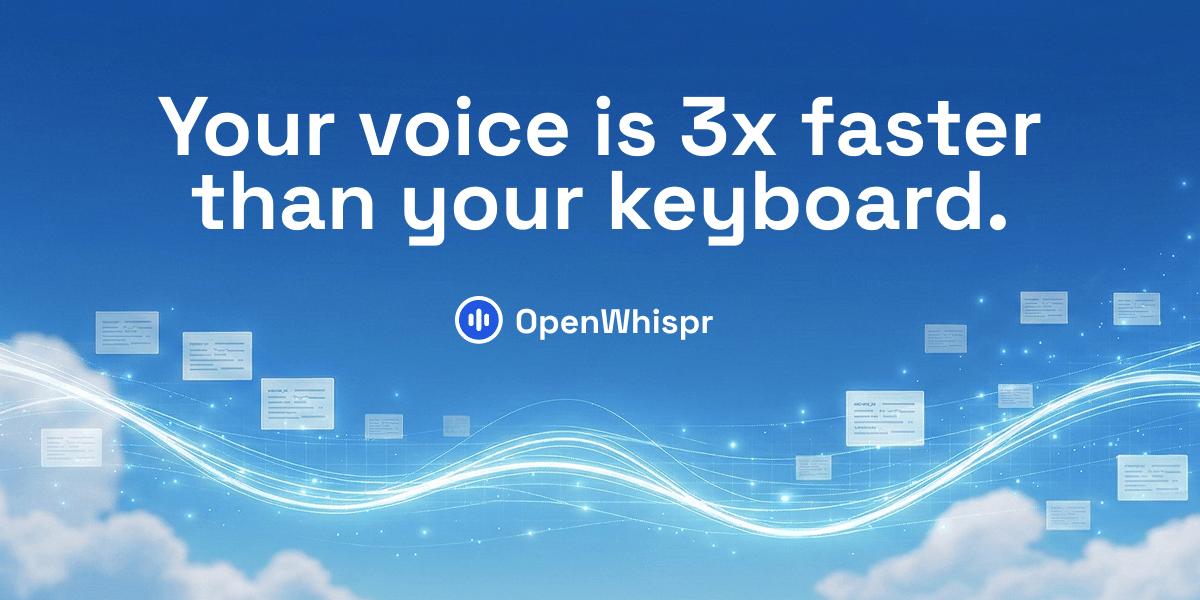
OpenWhispr is an open‑source dictation application that converts spoken language into typed text across any program that accepts keyboard input. Running on macOS, Windows, Linux and iOS, it can operate entirely offline or route audio to a cloud transcription service if you choose that option.
When you activate the hotkey, the program captures your microphone stream and feeds it either to a locally installed model, such as Whisper Base, or to an API you provide. The recognized words are displayed in the active text field in real time, with plosive filler words and false starts removed. You can then give voice commands to refine the text: saying “clean this up” or “draft an email to Mike” triggers the built‑in AI cleanup routine, which rewrites the captured sentence, inserts punctuation, and formats it for the target context. Corrections you make are fed back into the local learning system so the model learns domain‑specific terms and proper names automatically.
The tool supports over 100 languages and auto‑detects which one you're speaking. Switching languages in the middle of a sentence is smooth; as long as the input channel remains open, OpenWhispr will continue to transcribe in the new language. Because all processing can stay on‑device, it works even without Wi‑Fi, making it suitable for confidential settings where external connectivity is limited. For those who need higher throughput or domain‑specific accuracy, the cloud mode can be enabled; recordings are deleted immediately after transcription, and data is never retained for training.
OpenWhispr is tailored for professionals who take meeting notes, code comments, or chat messages and want to use speech instead of typing. It is especially valuable in collaborative environments like Slack or Google Docs, where typed output must appear instantly. However, it may not satisfy users who rely on real‑time translation into complex, context‑heavy documents without a local device, or who require integration with proprietary transcription engines not listed on the site. The listing does not provide pricing information; all features are offered for free, but advanced server‑side options may incur costs depending on the chosen provider.
Key features
- Offline on‑device speech‑to‑text in 100+ languages
- Voice‑command driven editing and formatting
- Auto‑learning of new terminology from user corrections
- Zero data retention by default, with optional cloud mode that deletes recordings after use
Details
- Pricing
- Free
- Last checked
- 21h ago
- Indexing
- noindex, follow
- Category
- Voice
Suggest an edit
Sign in to suggest an edit.
Pros and cons
Pros
- Full offline capability with no external data exposure
- Broad language support and mid‑session switching
- Automatic cleanup of fillers and false starts
- Self‑hosting of models or choice of external API
- Compliance certifications (HIPAA, ISO 27001, SOC 2, GDPR)
Cons
- No published pricing or subscription tiers disclosed
- Requires user to download and maintain ASR models
- Limited details on advanced customization or workspace management
- No explicit support for certain proprietary transcription services not listed on the site
Alternatives
 SpeechpulseSpeech recognition and translation software for real-time typing, transcription, and subtitle generation.
 Wiz WriteYou will find a free plan, making it easy to test the tool against your own needs first. The practical way to judge it is to use it. Small operations...
 Talkatoo ComIt works well as a daily driver. Saved templates, recent history, and multiple output options mean the tool adapts to the way you actually work. You will find a free...
 Lucida AIIt works well as a daily driver. Saved templates, recent history, and multiple output options mean the tool adapts to the way you actually work. Pricing is free, and there...
 Coefont CloudAI Voice Hub offering text-to-speech, voice changing, and AI voice creation.
 Monobot AI Virtual AI AssistantUnderneath it all, the processing is efficient enough for everyday use. Large inputs take a moment, but ordinary work flows through without interruption. It works well as a daily driver....
 ScriptmeAutomatic transcription and subtitle platform with AI-powered tools and multi-format support.
 ElevenLabsElevenLabs review (October 2026): AI voice generation, voice cloning, dubbing and speech-to-text, verified plan prices from Free to Business.
 PinchReal-time AI voice translation for video conferencing in 30+ languages.
 Voicv Voice CloningAI-powered voice cloning, text-to-speech, and speech-to-text platform.
 GowhisperPrivacy-focused desktop app for local audio transcription.
 Voicetype AIAI-powered dictation app that transcribes, edits, and auto-formats speech into text.