


Decktopus AI
You are not locked into a single way of doing things. Decktopus AI supports your existing habits instead of forcing a new one, which makes adoption within a team much...
Sign in to rate this tool.
Overview
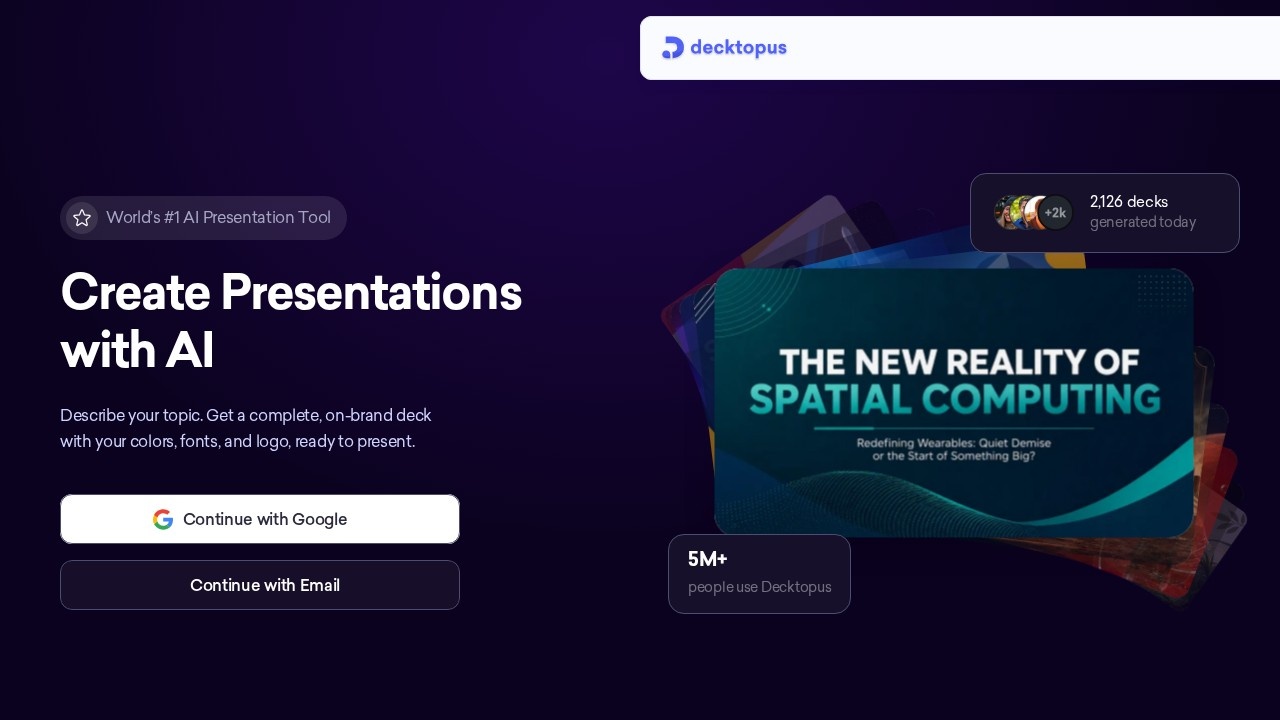
Decktopus AI is a presentation maker that generates a complete deck from a description of your topic. It is built for people who need to look professional without hiring a designer, and combines generation with coaching and analytics. Decktopus says more than five million people use it, and its homepage shows a live counter of decks generated that day.
How it works
You simply tell Decktopus what you are presenting. There is no outline to build and no blank slide to stare at. The AI generates a ready-to-present deck including structure, content and design. The site emphasises that there are no templates to fill, no formatting work, no slide-by-slide editing and no design decisions to make. Decks follow your brand, so presentations look consistent across a team. You sign up with Google or email to start.
Present, share and track
Once the deck is ready, you can present it, share it by link and track how viewers engage with it. Built-in coaching helps you prepare to present. Analytics show who opened a shared deck, which helps with sales proposals and pitches.
Who uses it
Decktopus says it is trusted across professional services, naming consultancies, agencies, coaches, advisors, educators and founders, and frames its value from first draft to closed deal.
Pricing
You sign up with Google or email. On the day this page was reviewed, the homepage reported 2,186 decks generated that day. Check the official pricing page for current plans, limits and any free trial, as prices and included usage can change.
Who it suits
Decktopus suits consultants, freelancers, founders, sales teams and educators who make decks often and want a fast first version.
Things to consider
AI-generated content can be generic or contain inaccurate claims, so review every slide and add your own data and examples. Check that facts and figures are correct before presenting to clients. If you need precise control over layouts, test whether the editor is flexible enough for your style. Tell recipients if shared decks are tracked, where appropriate.
A good approach is to generate a first draft quickly, then spend your time refining the message, the story and the key numbers, which matter more to an audience than the slide design.
Details
- Pricing
- Freemium
- Release date
- 2025-12-04
- Last checked
- 4d ago
- Indexing
- index, follow
- Category
- Productivity
Suggest an edit
Sign in to suggest an edit.
Alternatives
 DartYou are not locked into a single way of doing things. Dart supports your existing habits instead of forcing a new one, which makes adoption within a team much smoother....
 Znote AIYou are not locked into a single way of doing things. Znote AI supports your existing habits instead of forcing a new one, which makes adoption within a team much...
 GammaGamma drafts presentations, docs and simple websites from a prompt or pasted text, with an AI agent for edits and export to PowerPoint or Google Slides.
 Ioni AIYou are not locked into a single way of doing things. Ioni AI supports your existing habits instead of forcing a new one, which makes adoption within a team much...
 Popai ProIt also plays nicely with the rest of your stack. Links and files move in and out easily, so the tool sits naturally beside the software you already rely on....
 DynamiqYou are not locked into a single way of doing things. Dynamiq supports your existing habits instead of forcing a new one, which makes adoption within a team much smoother....
 MindstudioYou are not locked into a single way of doing things. Mindstudio supports your existing habits instead of forcing a new one, which makes adoption within a team much smoother....
 MokkerCollaboration hooks are there too - simple ways to pass work between teammates without emailing files back and forth or losing track of versions. Mokker is a ai image generation...
 Upwork Business Developer MydevagentsYou are not locked into a single way of doing things. Upwork Business Developer Mydevagents supports your existing habits instead of forcing a new one, which makes adoption within a...
 Flockjay ComIf ai business tasks take up too much of your day, Flockjay Com is built to give you time back. It handles the heavy lifting while leaving you in control....
 LatitudeData workspace and prompt engineering platform for AI product teams.
 Rush Roto Product Photo A IWhat stands out most is predictability. The same input produces dependable output, which matters when you are producing work for clients or publishing on a schedule. It runs on a...
Pros and cons
Pros
- Generates a full presentation from a short description of your topic.
- Finished decks export to PDF, PPT and PNG formats.
- A feature called Loop lets you practice your delivery beforehand.
- Pro drops to $9.99 a month on annual billing.
Cons
- Monthly Pro billing costs $24.99, much more than annual.
- Pro includes 750 AI credits, about 150 slides a month.
- You need a Google or email account to start.
Checked 2026-10-19. · www.decktopus.com/ · www.decktopus.com/pricing