


Warp
Warp pairs a modern terminal with coding agents and cloud agent fleets, with usage included at API rates on its Build, Max and Business plans.
Sign in to rate this tool.
Overview
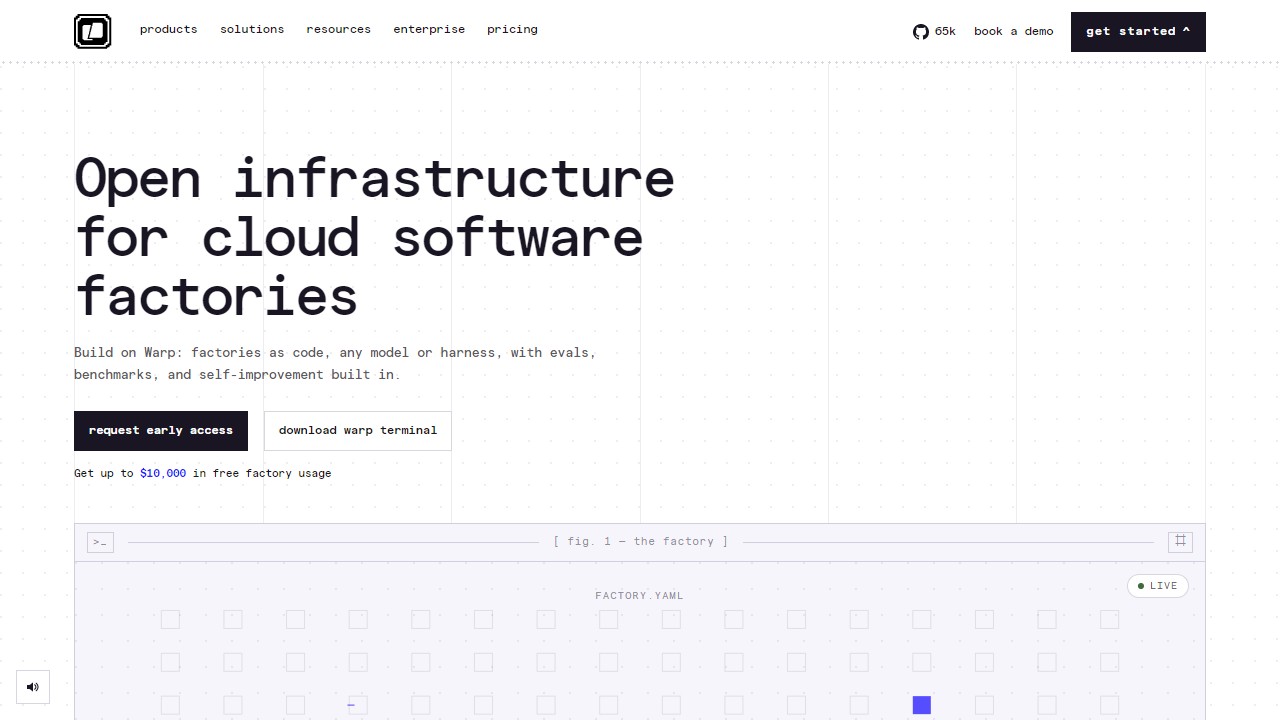
Warp is best known for its modern terminal, and it now positions itself as a platform for running coding agents. It now ships three related products: the Warp Terminal, rebuilt for what Warp calls agentic coding; the Warp Agent CLI, a coding agent that works inside any terminal; and Warp Factories, which runs fleets of agents across the software development lifecycle. Warp is free to download for the terminal itself.
The use cases Warp lists are practical ones: a first-pass review on every pull request, reproducing bugs and routing fixes, scoping and validating refactors or migrations, and investigating alerts during an incident. Its agents can use frontier and open-source models from OpenAI, Anthropic, z.ai and others, and on paid plans you can bring your own API keys or custom inference endpoints. There's also Warp Drive for shared objects and collaboration, cloud agents, codebase indexing and a gallery of pre-built agent kits.
Plans
Monthly prices from warp.dev/pricing, checked October 2026, with the annual-billing equivalent in brackets:
- Free ($0): the full terminal, Agent CLI access, pay-as-you-go agent usage, bring-your-own inference, and limited cloud agents and storage.
- Build ($20/month, or $18 on annual): $20 of agent usage included each month at API rates, full Warp Agent access, add-on usage with auto-reload and a spend cap, the highest codebase indexing limits, unlimited Warp Drive and cloud conversation storage.
- Max ($200/month, or $180): everything in Build with $200 of monthly agent usage, ten times Build.
- Business ($50 per user/month, or $45): up to 25 seats, $20 of usage per seat, team metrics, admin data controls and SAML SSO.
- Enterprise (custom): unlimited seats, shared usage pools, routing inference through your own cloud, self-hosted cloud agents and a dedicated account manager.
Who it suits
Developers who spend most of their day in a terminal and want an agent there instead of in a separate chat window, and platform teams who want agents doing routine PR reviews or migration work at scale.
Pros: a good free terminal even if you ignore the AI; usage included at API rates, so the cost is easy to follow; bring-your-own-keys support.
Cons: heavy agent use can push you past the included $20 quickly; the product range (terminal, CLI, Factories) takes some time to understand; SSO starts at the Business tier.
Alternatives
Cline is an open-source agent with its own CLI. If you'd rather work in an editor, Cursor and GitHub Copilot are the usual choices, and Qodo focuses on AI code review.
Details
- Pricing
- Freemium
- Release date
- 2026-01-25
- Last checked
- 1d ago
- Indexing
- index, follow
- Category
- Code
Suggest an edit
Sign in to suggest an edit.
Pros and cons
Pros
- a good free terminal even if you ignore the AI
- usage included at API rates, so the cost is easy to follow
- bring-your-own-keys support
Cons
- heavy agent use can push you past the included $20 quickly
- the product range (terminal, CLI, Factories) takes some time to understand
- SSO starts at the Business tier
Alternatives
 GitHub CopilotGitHub Copilot review (October 2026): AI coding assistant in your editor and on GitHub, verified Free, Pro, Pro+ and Max plans and AI Credits explained.
 Kilo AIUnderneath it all, the processing is efficient enough for everyday use. Large inputs take a moment, but ordinary work flows through without interruption. Kilo AI brings a fresh take on...
 ClineCline is an open-source coding agent for VS Code, the terminal, desktop and cloud that works with your choice of model provider and your own API keys.
 CursorCursor review (October 2026): AI-first code editor with agents, verified Hobby, Pro, Pro+, Ultra and Teams pricing, privacy mode, pros and cons.
 v0 by Vercelv0 by Vercel generates full-stack web apps from prompts, syncs with GitHub and deploys to Vercel in one click, with per-model token pricing.
 ReplitReplit is a browser-based builder where an AI Agent writes, hosts and publishes full apps from a plain-language description, with database and auth built in.
 ImagekitIf ai coding tasks are part of your routine, Imagekit is worth testing against your own use cases. Their website, imagekit.io, has the full details. It runs on a free...
 Synthflow AIYou will find a free plan, making it easy to test the tool against your own needs first. The practical way to judge it is to use it. For anyone...
 LovableLovable builds and hosts full web apps from a chat, with Cloud hosting, auth and payments included and a credit-based Pro and Business plan.
 Lamatic AILamatic AI is a focused ai coding solution that answers a clear need. You can see what it does within minutes of opening the page. Power users get deeper controls,...
 QodoQodo (formerly CodiumAI) reviews pull requests with multiple AI agents that learn your team's rules, check cross-repo impact and map your services.
 Applitools EyesIt runs on a free model, so getting started is a low-risk decision. After a few sessions you will know quickly whether it fits. Applitools Eyes brings a fresh take...